
Manage your workspace
Organize members, roles, API keys and quotas.
Before you begin
This guide stays on xdev.asia. To perform the task, use an account in your organization’s AI Studio workspace with access to this feature. Screenshots show a demonstration workspace; names and data are examples.
Find the screen
Organize members, roles, API keys and quotas.
Step 1
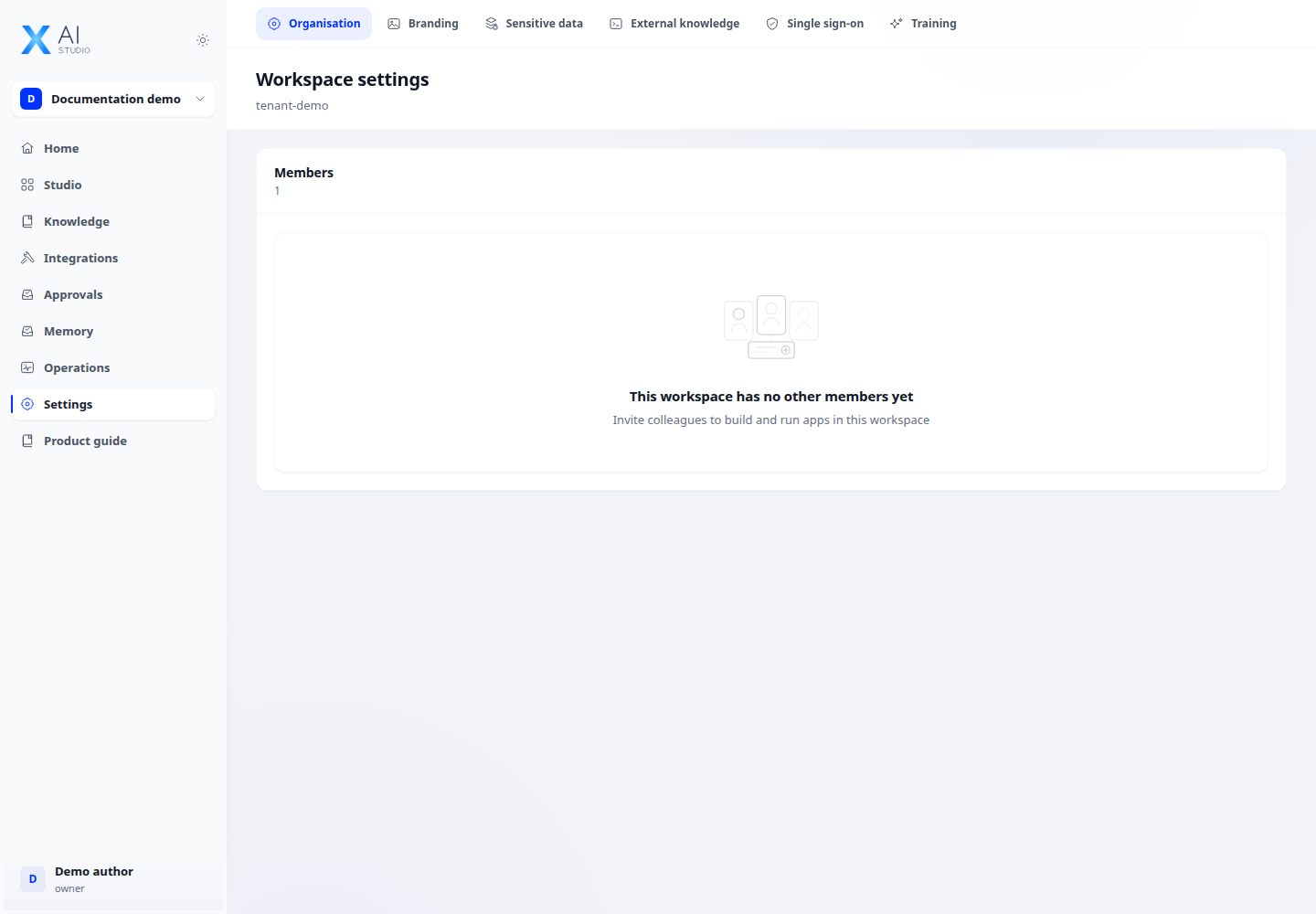
Use the workspace menu to select the right workspace. Open Workspace settings to manage members and invitations.
Step 2
Assign roles appropriate to each member. Use Roles to review permissions and custom roles when your account is allowed to manage them.
Step 3
Manage API keys and quotas from the workspace settings. Check that a change applies to the intended workspace before saving it.
Check your result
The intended member, role or key appears in the correct workspace. Have the member verify access to the required screen after their role changes.