
Export training data
Prepare application data before submitting a training job.
Where to work
Prepare application data before submitting a training job.
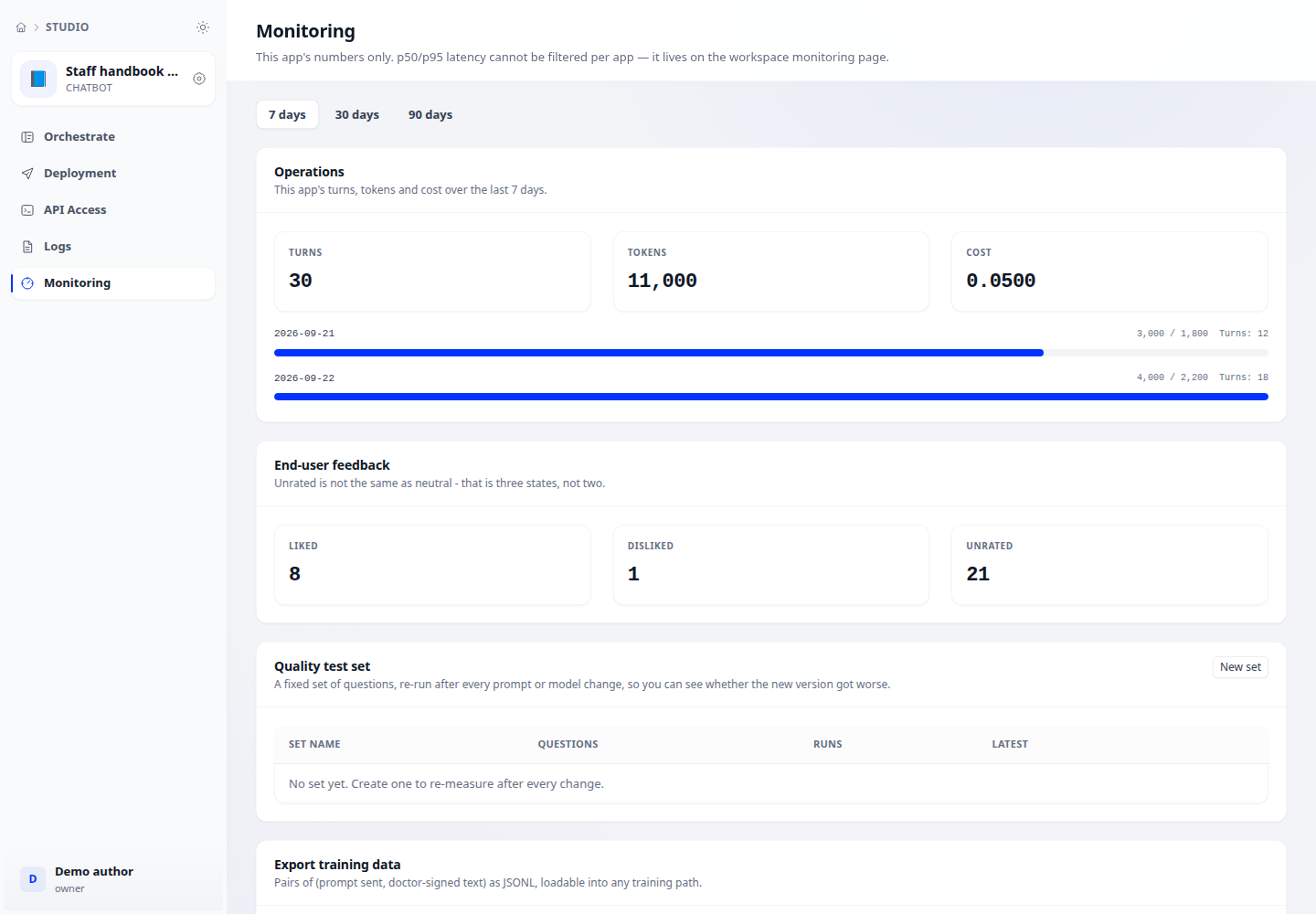
Step-by-step
- Open application → Monitoring → Training data export with the required permission.
- Review the data scope and notice before exporting, confirming suitability for training.
- Choose download or the configured object store. Wait for the result and inspect exported and label-excluded counts.
- Review the data and remove inappropriate material before using it in model training.
Expected result
A file or stored export exists with record counts; fine-tuning remains a separate step.
If it does not work
Fewer records than expected: inspect label exclusions and permissions rather than relaxing policy to increase the count.