
Manage outbound connections
Configure allowed destinations for tools and external services.
Where to work
Configure allowed destinations for tools and external services.
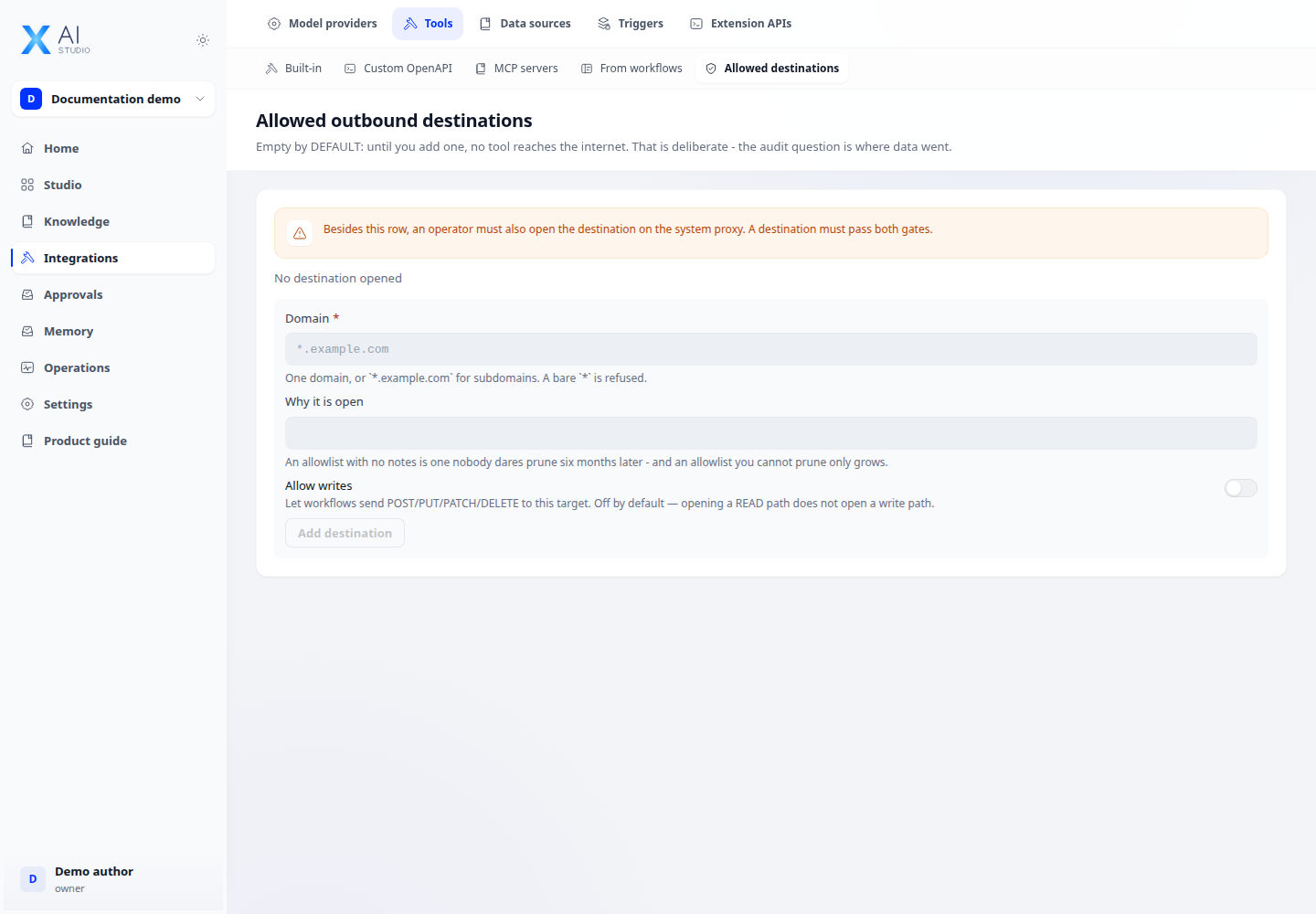
Step-by-step
- Open Integrations → Tools → Egress using an account allowed to manage connections.
- Compare the service hostname and port with the allowlist and add the required destination.
- Review data labels, provider type and network-zone configuration before running the application.
- Test an allowed call and one that should be denied using sample data, then inspect errors and logs.
Expected result
Policy-compliant calls pass and disallowed calls are explicitly rejected.
If it does not work
Adding a URL does not change data labels. When blocked, inspect labels, destinations and permissions together rather than opening the whole network.