
Version history and restoration
Restore earlier configuration into a draft while controlling publication.
Where to work
Restore earlier configuration into a draft while controlling publication.
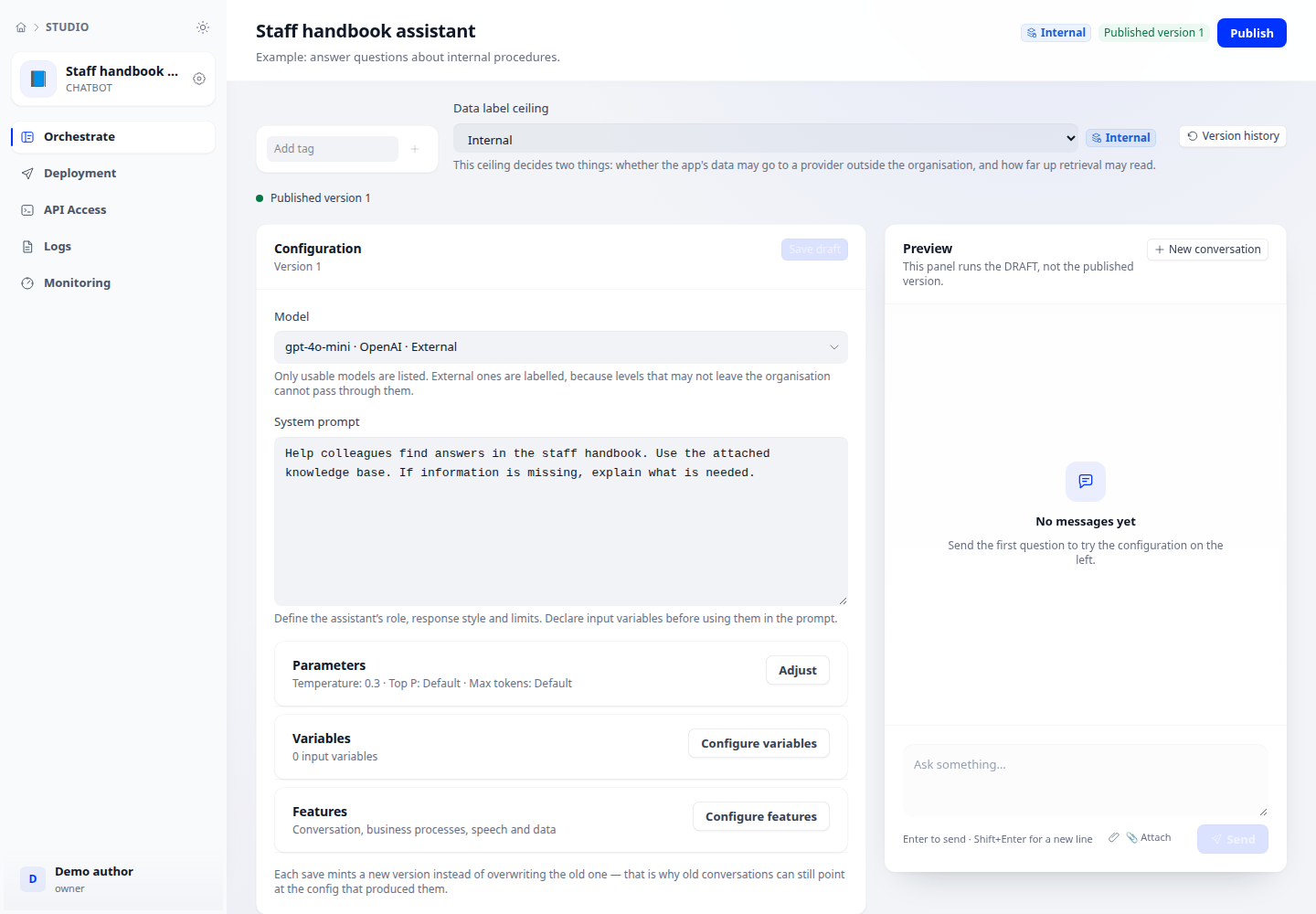
Step-by-step
- Open version history in the application editor. Compare version numbers, models and Draft/Published badges.
- Save or record unsaved changes before choosing Restore on the intended version.
- Review the confirmation dialog and restore into the draft. Reopen configuration and compare important fields.
- Run your test questions. Republish only after confirming the restored behaviour.
Expected result
The draft contains the selected configuration; end users receive changes only after the appropriate publication step.
If it does not work
Restoration does not replace testing. Review unsaved-change warnings to avoid overwriting work.