
Build a knowledge base
Ground answers in your own documents.
Before you begin
This guide stays on xdev.asia. To perform the task, use an account in your organization’s AI Studio workspace with access to this feature. Screenshots show a demonstration workspace; names and data are examples.
Find the screen
Ground answers in your own documents.
Step 1
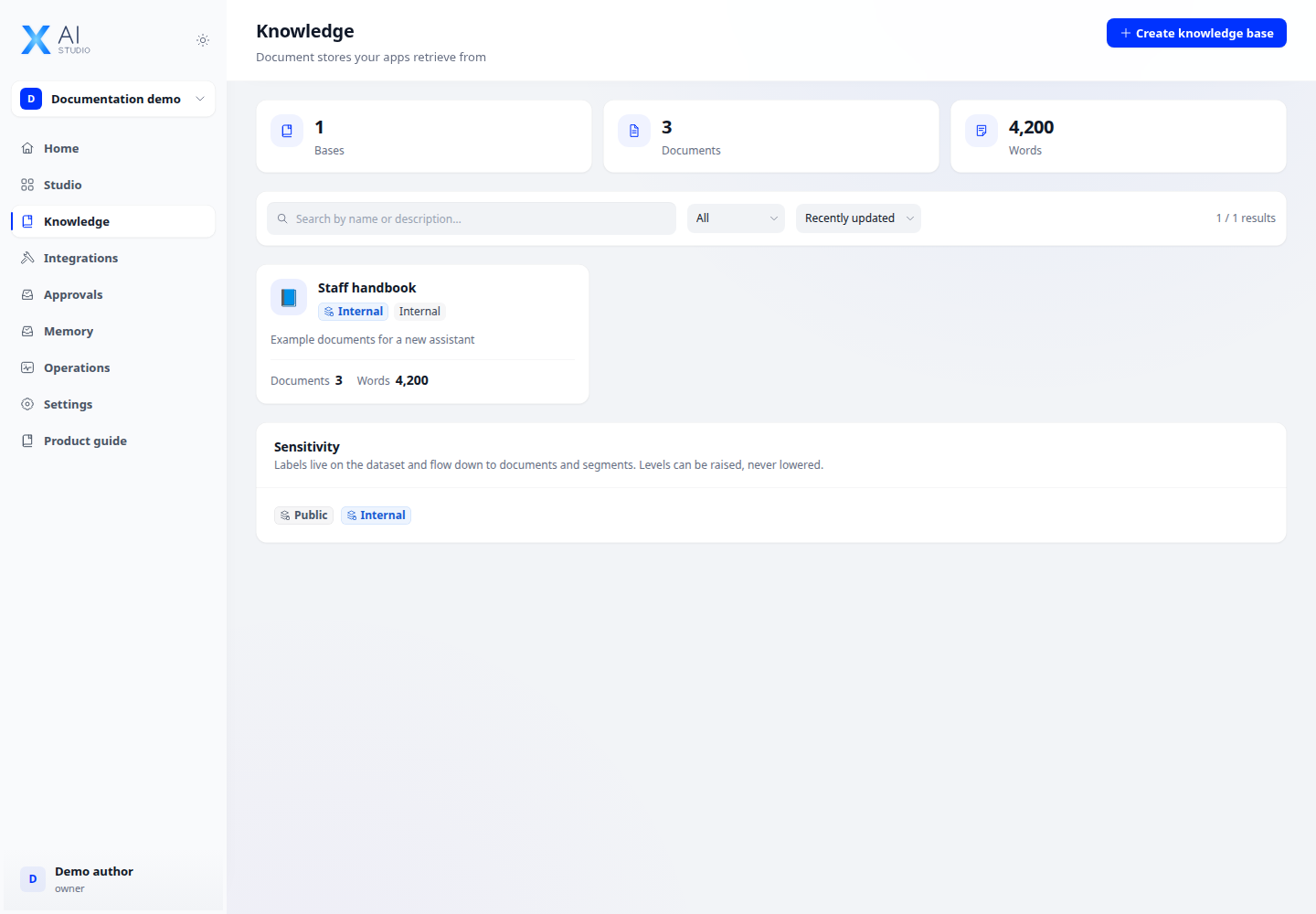
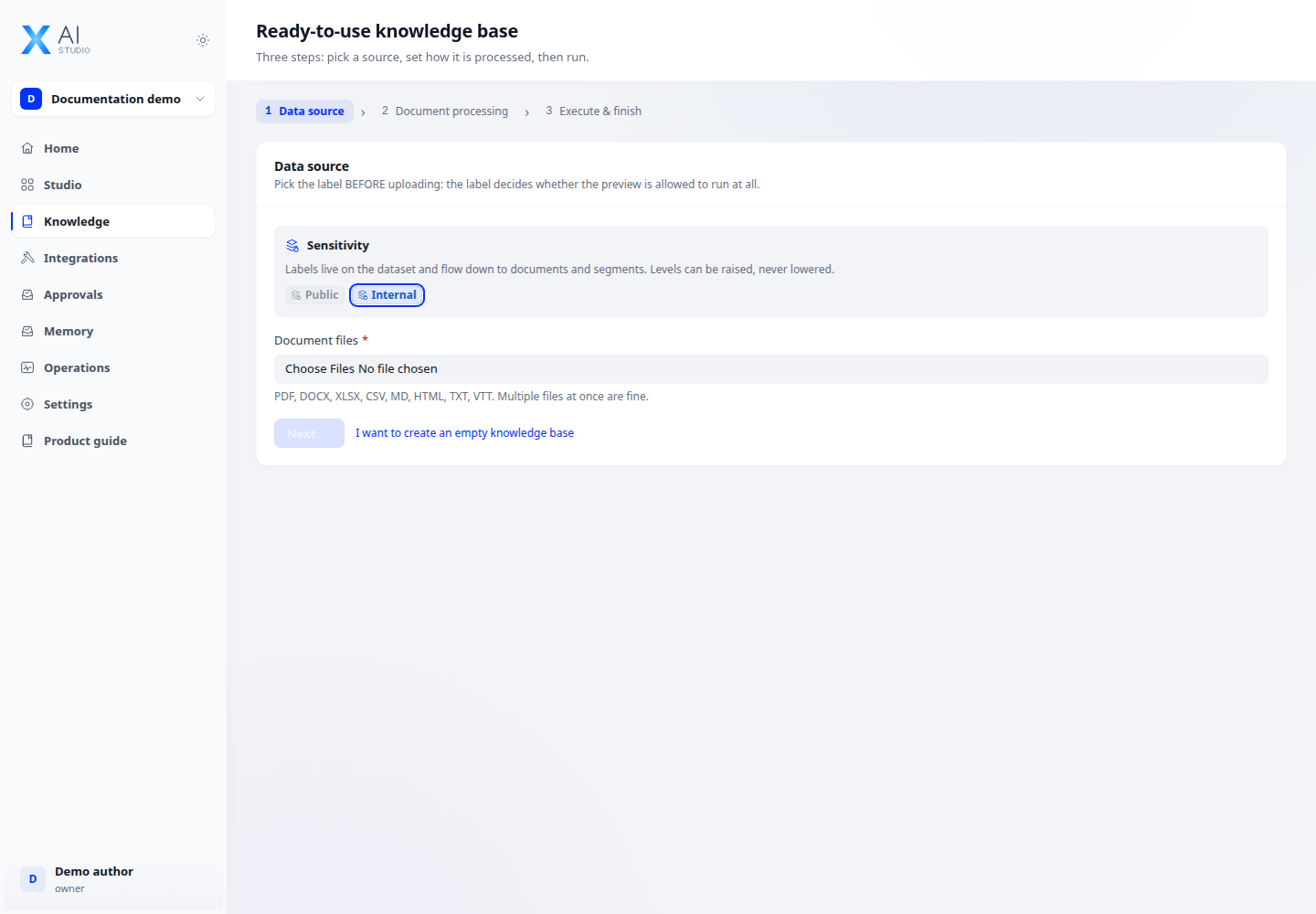
Open Knowledge and create a knowledge base. Upload documents or connect a supported source, then select the parsing and indexing settings.
Step 2
Wait for document processing to finish. Open a document to inspect its segments and correct or retry failed processing where available.
Step 3
Use the retrieval test with a real question. Tune retrieval settings, then attach the knowledge base to your app and check whether its answers cite the right material.
Check your result
Documents finish processing and a retrieval test returns relevant segments. If no segments match, review the source text and retrieval settings before attaching the knowledge base to an app.