
Monitor usage and quality
Understand runs, costs, feedback and audit events.
Before you begin
This guide stays on xdev.asia. To perform the task, use an account in your organization’s AI Studio workspace with access to this feature. Screenshots show a demonstration workspace; names and data are examples.
Find the screen
Understand runs, costs, feedback and audit events.
Step 1
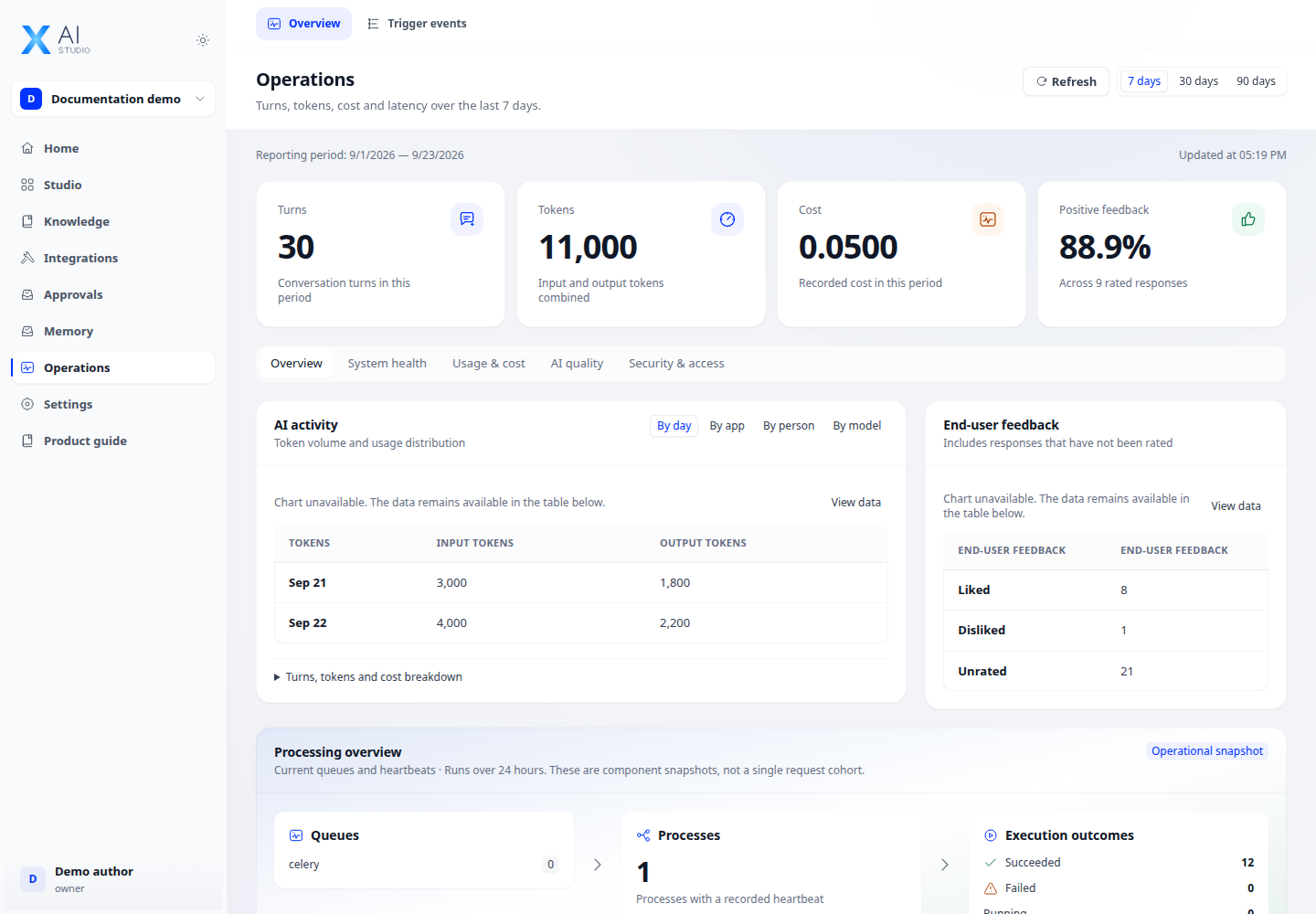
Open Operations and select the relevant time range and filters. Review activity, token usage, cost and quality indicators.
Step 2
Open a specific app to inspect its logs and monitoring. Compare failed runs with their inputs and provider or tool errors.
Step 3
Use annotations and user feedback to identify answers to improve. Review audit events when your account has audit access.
Check your result
The selected reporting period is visible and the displayed metrics correspond to it. Empty charts can mean no recorded activity; they do not by themselves prove a service outage.