
Check service health
Operations for AI Studio instance administrators.
Where to work
Operations for AI Studio instance administrators.
Step-by-step
- Sign in as an instance administrator and open the corresponding Administration page. Workspace ownership alone does not grant this access.
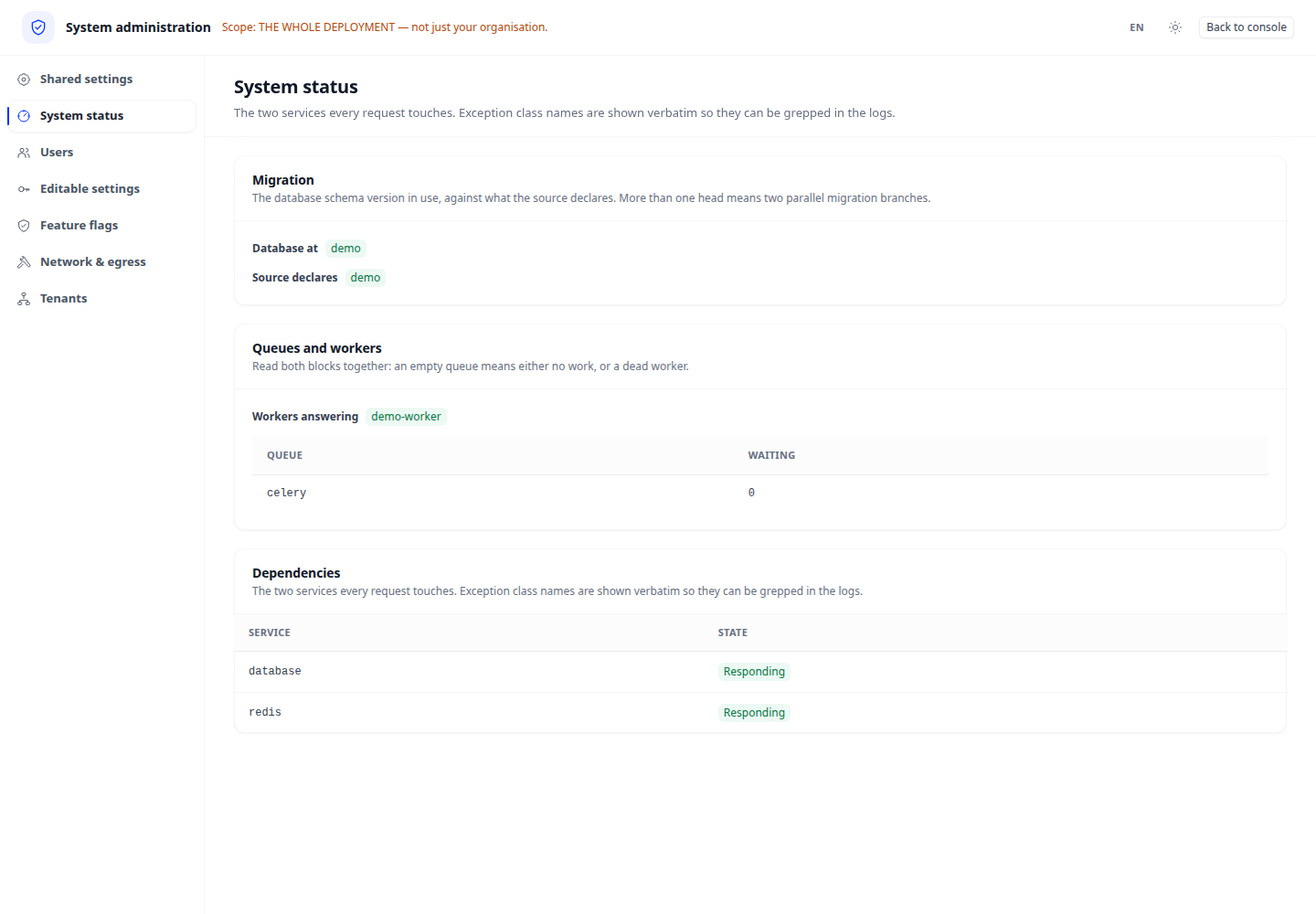
- Open Health and inspect dependency and migration states.
- Correlate errors with the affected service, follow its operational procedure and refresh.
- Reload to verify effective state and review the effect on applications in use.
Expected result
Health status does not replace an application run; also test a user task.
If it does not work
If access is denied, check instance-administration access. Change read-only settings through deployment procedures rather than trying to edit them here.