
Folders, filtering and moving documents
Organise knowledge documents and act on the intended scope.
Where to work
Organise knowledge documents and act on the intended scope.
Step-by-step
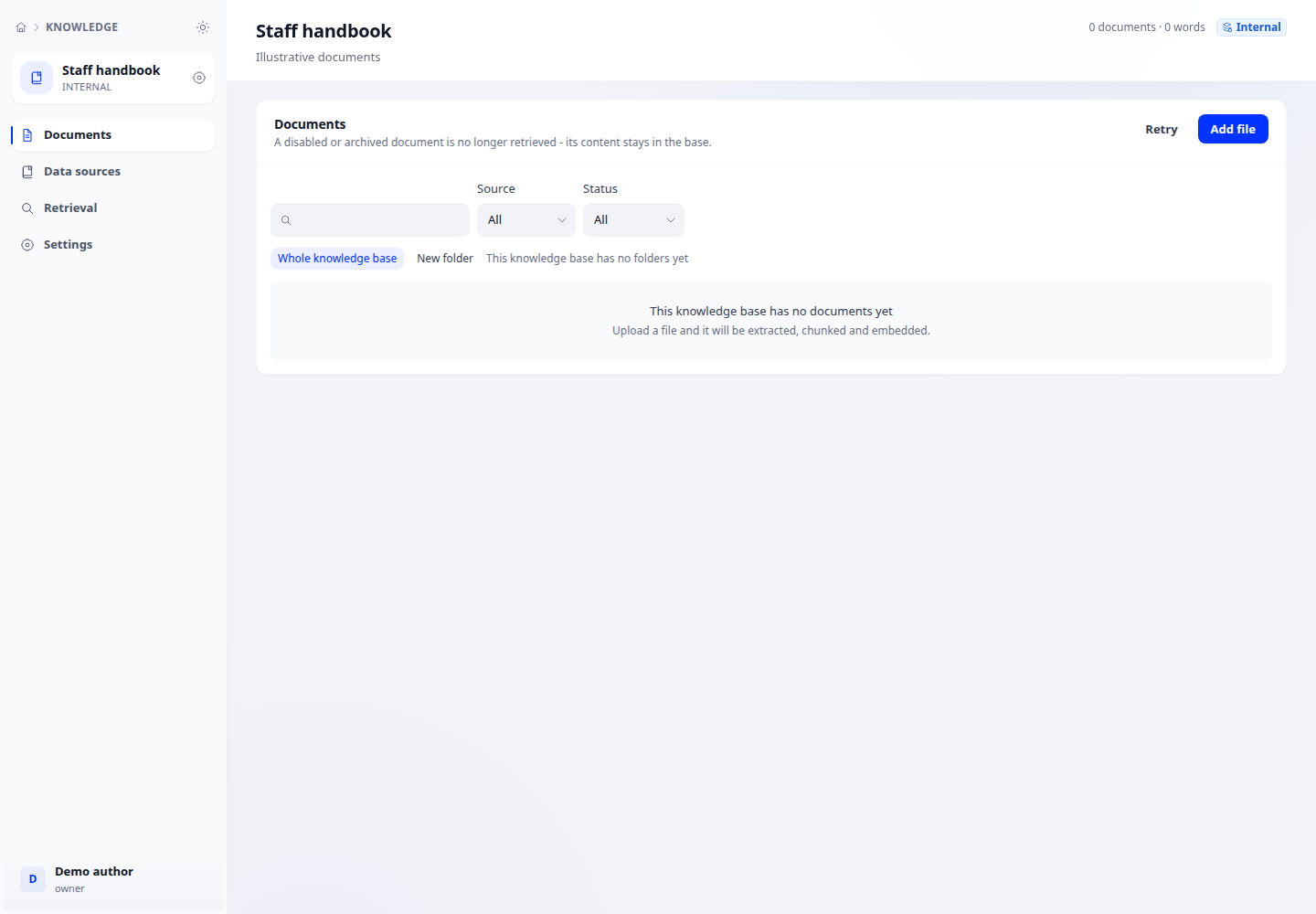
- Open a knowledge base → Documents. Search by name and filter processing status when needed.
- Create or select a folder in the navigation tree. Check its path before adding documents.
- Select documents to move and choose the destination folder. For bulk operations, review the selected count.
- Open the destination, locate the document and check status; a filtered-out document has not necessarily been deleted.
Expected result
Documents appear in the intended folder and filters do not lead to unintended selections.
If it does not work
Missing document: clear filters and check the current folder. Moving a folder does not change content or security labels.