
Connect data sources
Reuse source connections for document ingestion.
Before you begin
This guide stays on xdev.asia. To perform the task, use an account in your organization’s AI Studio workspace with access to this feature. Screenshots show a demonstration workspace; names and data are examples.
Find the screen
Reuse source connections for document ingestion.
Step 1
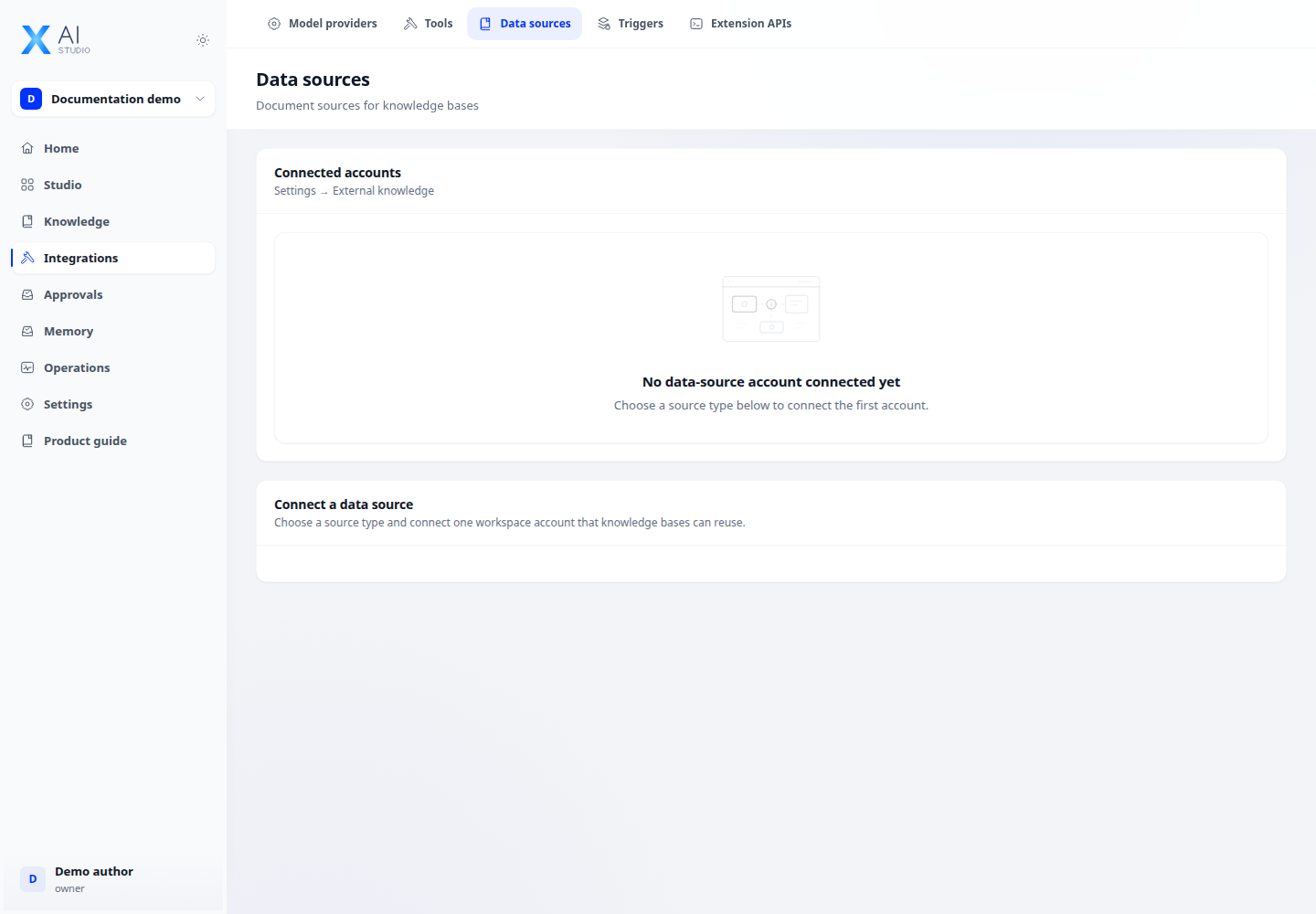
Open Integrations → Data sources and add a supported connection. Enter its configuration and credential references.
Step 2
Open Knowledge → Connect, select the source and choose the content to import into a knowledge base.
Step 3
Inspect document processing and source sync status. Check source access and credentials before retrying an import that failed.
Check your result
The connection appears under connected accounts. Verify its access to the intended source before importing documents. An empty source can indicate the wrong scope or insufficient permissions.