
Web apps, embedding and chat experience
Deliver a published application through a link or embedded widget.
Overview
Deliver a published application through a link or embedded widget.
Steps
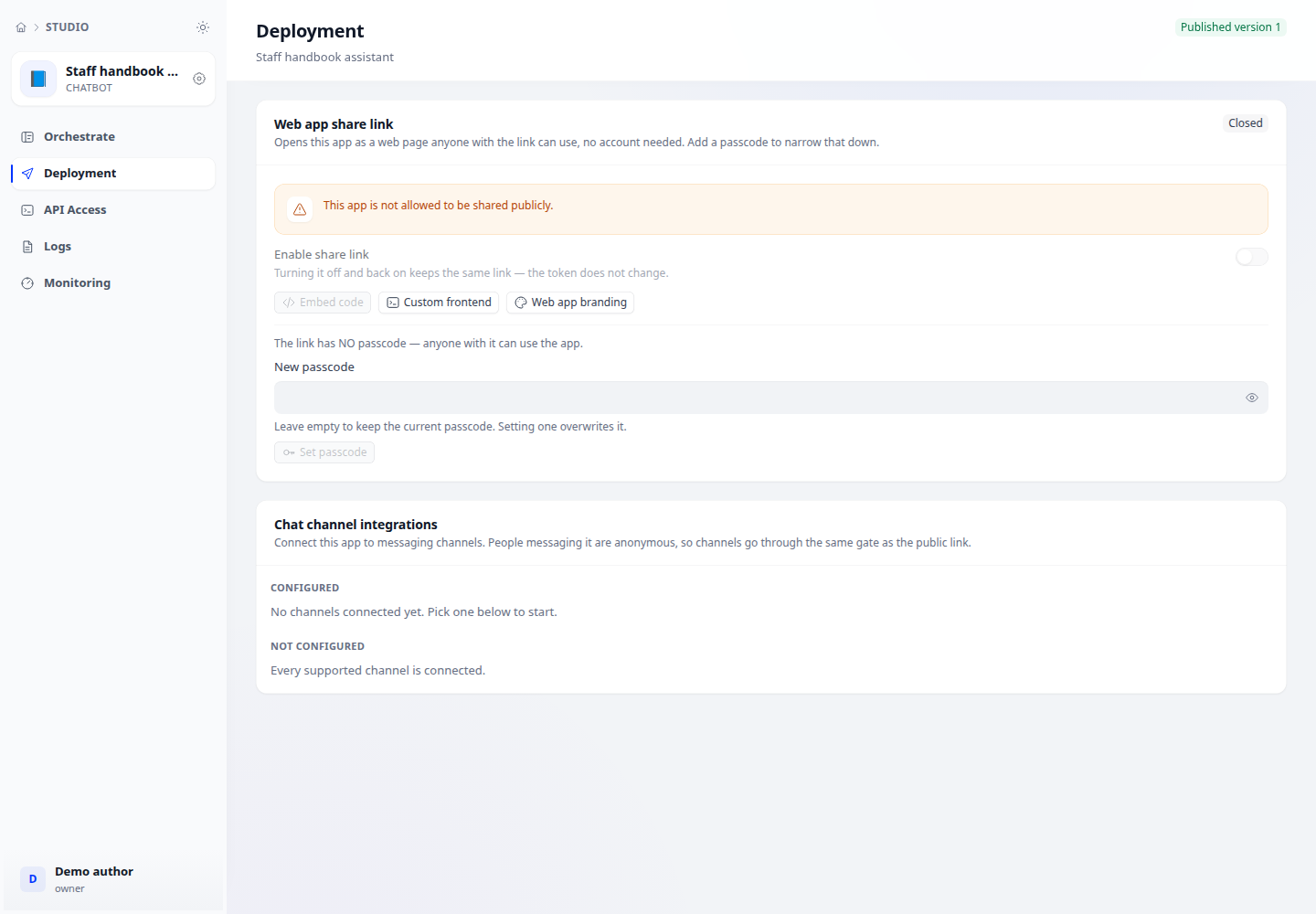
- Publish a tested draft, then open Deploy → Web sharing. Read any blocking reason before enabling it.
- Enable sharing and use the provided link or embed code. Test in a separate browser session as a visitor.
- In Features, configure the opening message, suggested and follow-up questions, charts and visitor attachments as appropriate.
- Test conversations and sample attachments; check image-model capability, quotas and responses. After disabling sharing, retest the old link.
Expected result
Visitors access the intended published version; disabling sharing stops the link from serving the application as before.
Checks and limitations
Public attachments consume workspace storage; follow-up questions can add model calls. Console attachment support differs from visitor permissions.