
Use workflows as tools
Reuse a workflow through a tool interface.
Where to work
Reuse a workflow through a tool interface.
Step-by-step
- Prepare a workflow with clear inputs and mapped end-node outputs, and test it first.
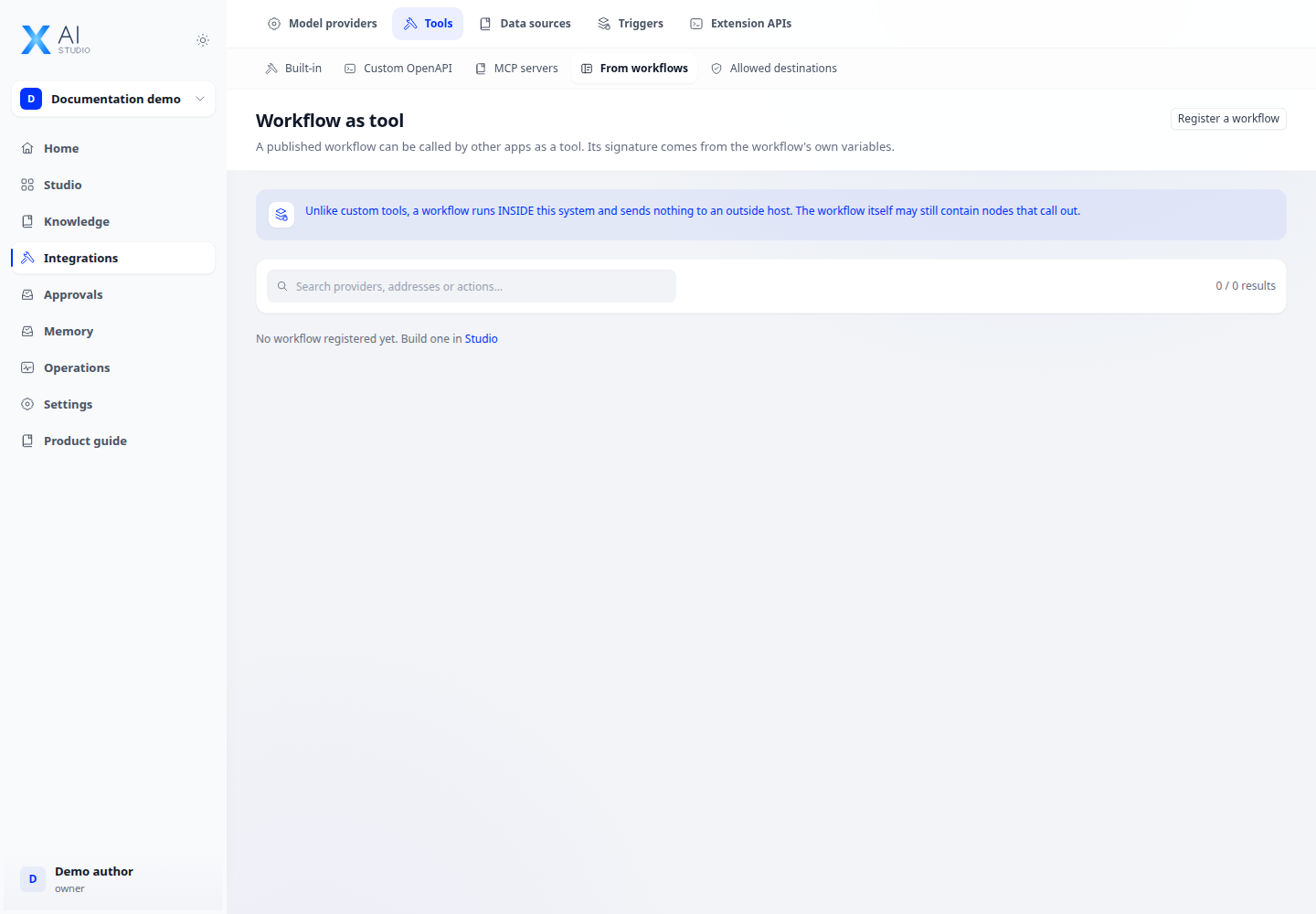
- Open Integrations → Tools → Workflow to inspect available workflows and configure the provided tool interface.
- Attach the tool to an agent or another workflow’s tool node and map input parameters.
- Run the caller and inspect traces for both the caller and the invoked workflow.
Expected result
The caller receives the workflow’s expected output and waiting/error states are traceable.
If it does not work
Missing output: inspect the end node. Missing workflow: check permissions, application type and required publication state.