
Run, trace and compare workflows
Locate failing steps through each node’s actual inputs and outputs.
Where to work
Locate failing steps through each node’s actual inputs and outputs.
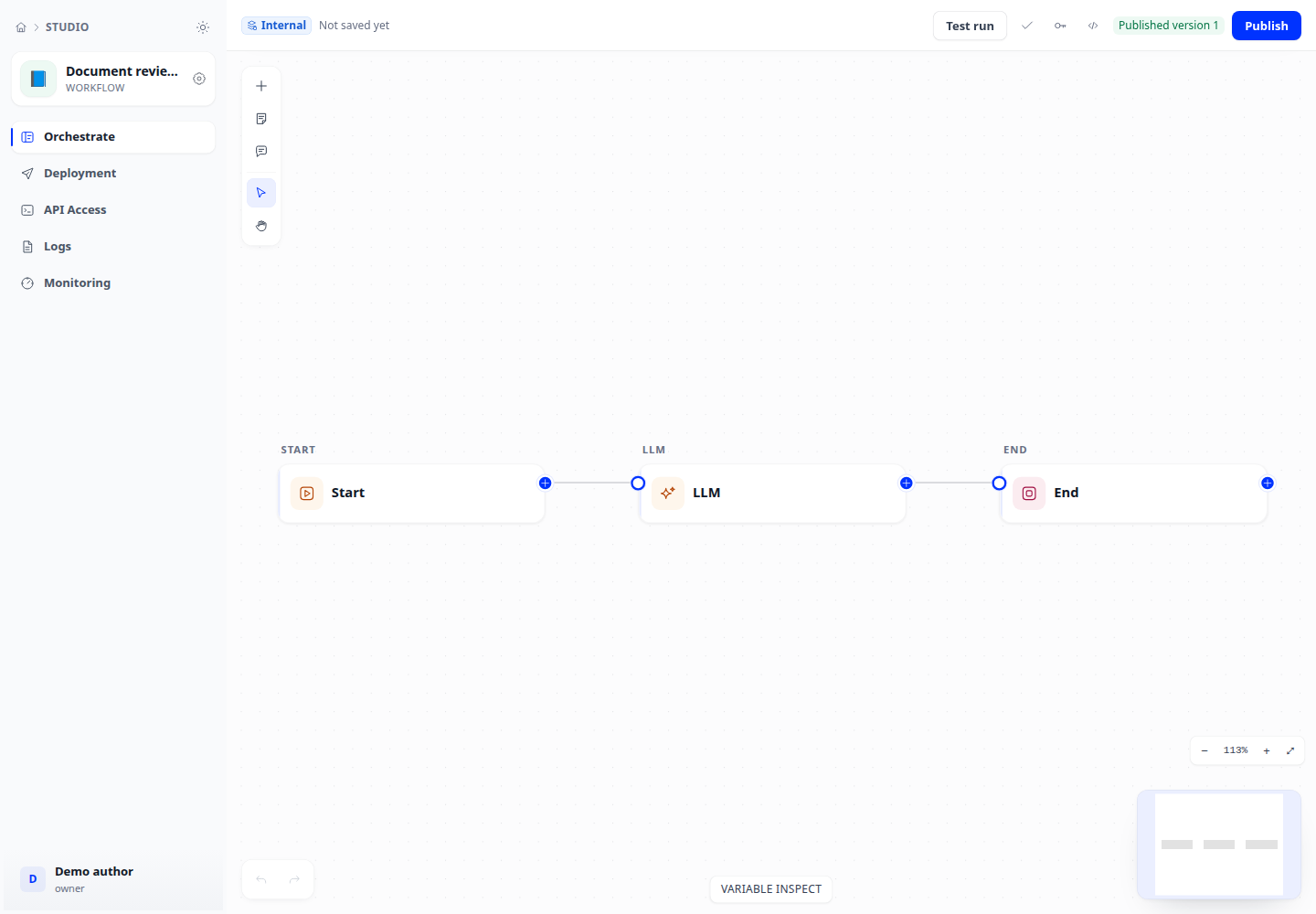
Step-by-step
- Open the Run panel, provide inputs matching the start node and run the draft.
- Inspect Inputs, Result, Detail and Tracing. Select a node to inspect its process data and output.
- Check waiting states: scheduled time, event, child workflow or approval. A waiting run is not necessarily a failure.
- Open run history and compare two runs. Compare node status, elapsed time and labels before changing variable mappings.
Expected result
The run reaches its expected output and differences between attempts can be traced to a node and its data.
If it does not work
Hidden node data: check clearance. Code-node failure: verify sandbox configuration; placing a node on the canvas does not make the runtime available.