
Invite members and control access
Place people in the correct workspace, role and departments.
Where to work
Place people in the correct workspace, role and departments.
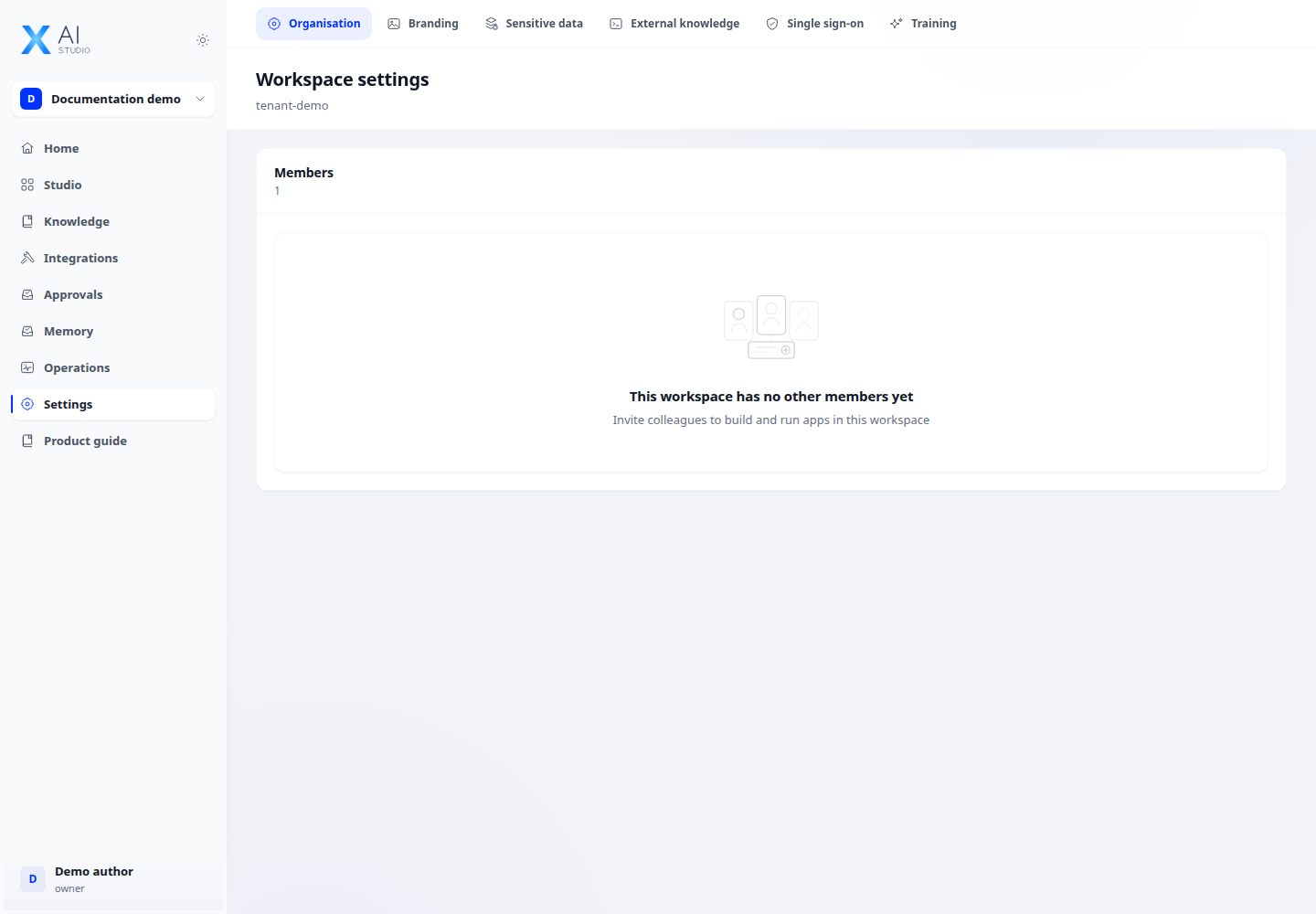
Step-by-step
- Open Settings → Workspace → Members and choose Invite member.
- Enter the email, select a role and assign permitted department and clearance limits.
- The recipient opens the invitation and completes acceptance/sign-in. Check membership status afterwards.
- When changing roles or removing members, check the selected workspace and review the effect before saving.
Expected result
Members enter the correct workspace and see actions appropriate to their permissions.
If it does not work
Missing invitation control: check member-management permission. SSO group sync may refresh roles at the next sign-in.