
Configure, retain and disable memory
Control extraction frequency, retention and data when disabling memory.
Where to work
Control extraction frequency, retention and data when disabling memory.
Step-by-step
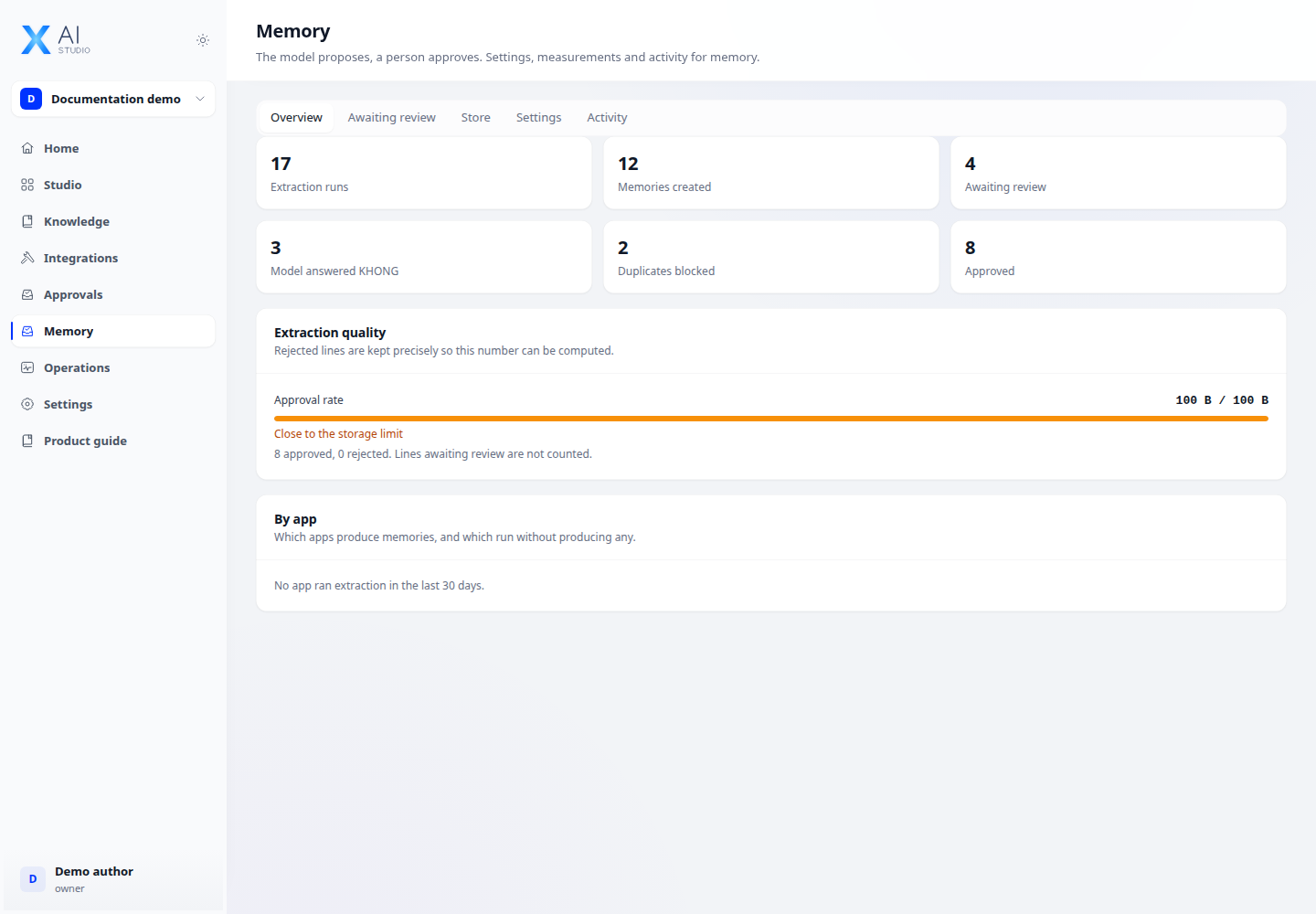
- Open Memory → Settings. Inspect the extraction model and current limits.
- Adjust message-based extraction frequency, retention and limits for your needs, then save.
- Before enabling memories for public-link visitors, review the cookie-based identity behaviour.
- When disabling, choose to keep data unused or follow the deletion process. Purging requires a separate action and confirmation after extraction is off.
Expected result
Settings persist after reload and disabling does not silently delete data beyond confirmed actions.
If it does not work
Saving settings does not mean data has been purged. Changing a visitor cookie changes the memory identity.