
Set up canned answers
Provide consistent answers to explicitly matched questions.
Where to start
Provide consistent answers to explicitly matched questions.
Steps
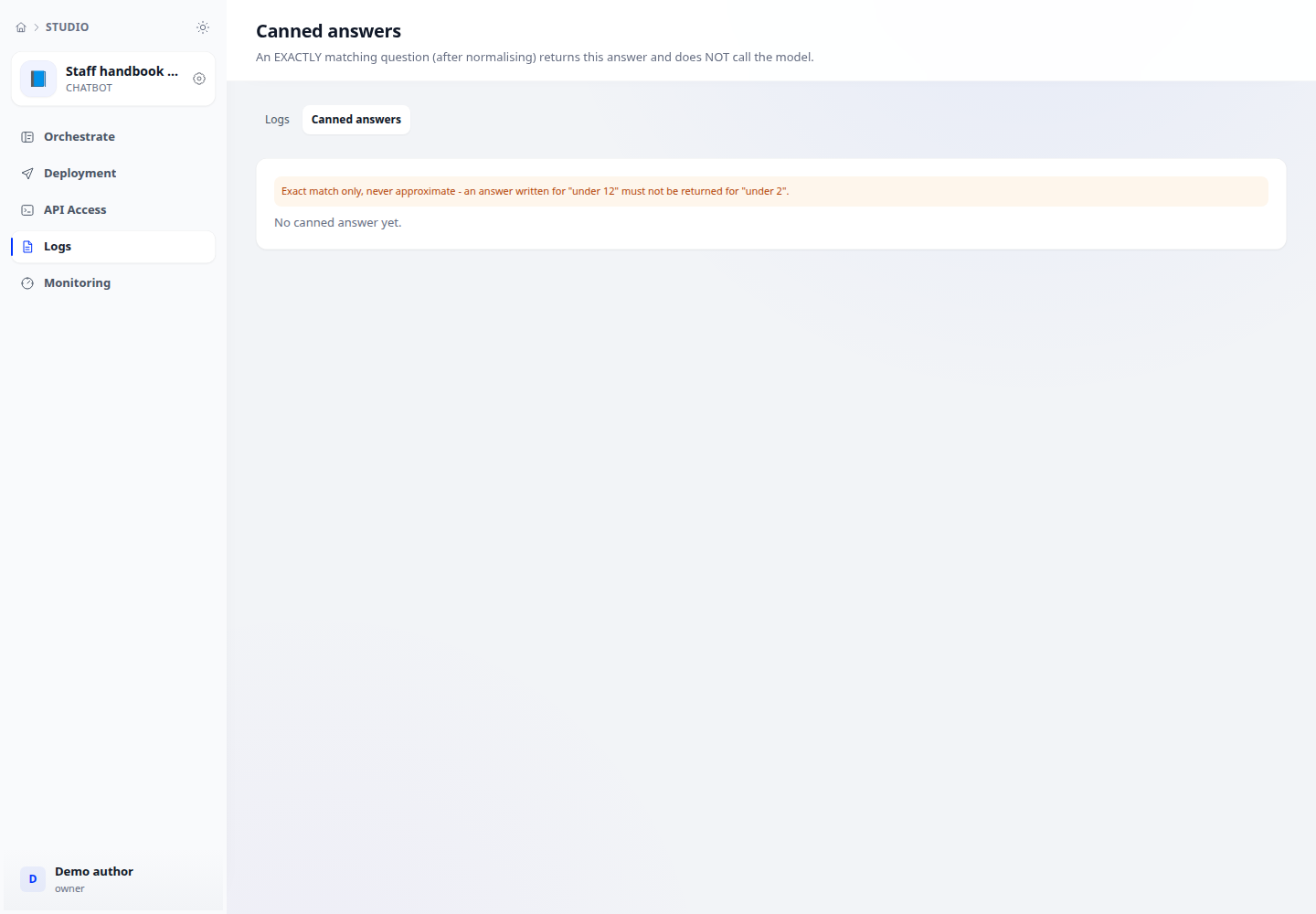
- Inside an application, open the logs and canned-answers area.
- Add the question and approved answer using an account with annotation write permission.
- Test an exact matching question and a similar question with different meaning before relying on the result.
Check the result
An exact match after normalisation returns the canned answer without a model call. Approximate matching is not used.