
Design agent business processes
Separate goals and instructions into processes selected for each user request.
Overview
Separate goals and instructions into processes selected for each user request.
Steps
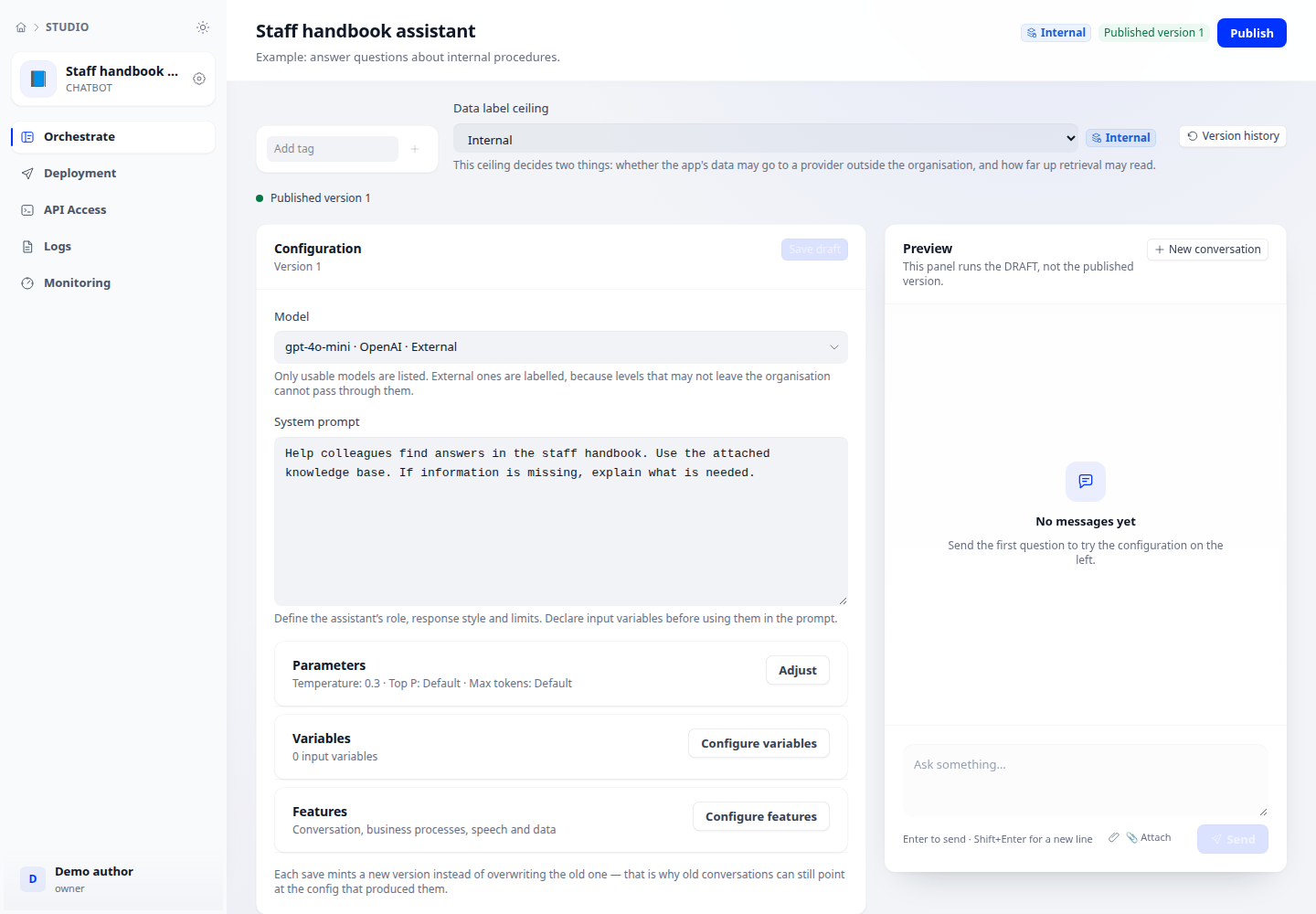
- Open Configuration → Features → Business processes. Add a name and a description of when to use it.
- Provide the goal, instructions, constraints and example questions. Make descriptions distinct to reduce incorrect routing.
- Choose Reason & Act, Fixed plan or Run a tool. Run a tool requires exactly one tool; other modes can restrict the allowed tool set.
- Save and test representative questions for each process plus ambiguous cases. Inspect results and refine descriptions when routing is wrong.
Expected result
Each turn carries one selected process’s instructions. With no processes, the application follows the system prompt.
Checks and limitations
No available tools: attach tools to the application first. With two or more processes, routing can add a model call.