
Review approval requests
Keep a human decision in approval-gated flows.
Before you begin
This guide stays on xdev.asia. To perform the task, use an account in your organization’s AI Studio workspace with access to this feature. Screenshots show a demonstration workspace; names and data are examples.
Find the screen
Keep a human decision in approval-gated flows.
Step 1
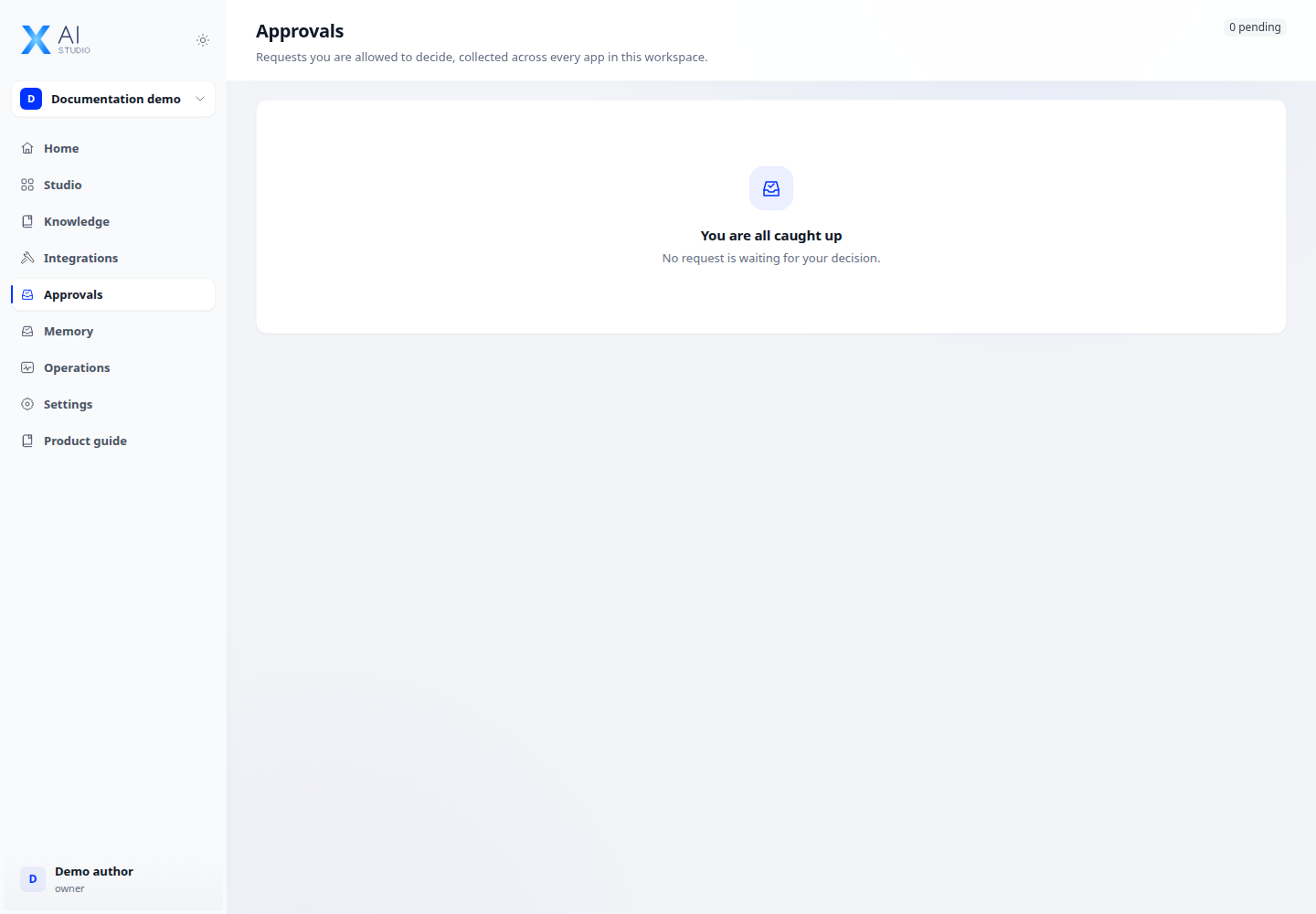
Open the approval inbox to find requests you are allowed to review. Select a pending request.
Step 2
Read the submitted data and run context before choosing the available approval or rejection action. Provide a reason when requested.
Step 3
Return to the run details to confirm the resulting status. If the request is missing, check your reviewer assignment and permissions.
Check your result
The request no longer appears as pending after a successful decision. Check the run status to see how the workflow continued. An empty inbox means there are no requests visible to your account.