
Import/export DSL and environment variables
Move application structure between environments and configure secrets at the destination.
Where to work
Move application structure between environments and configure secrets at the destination.
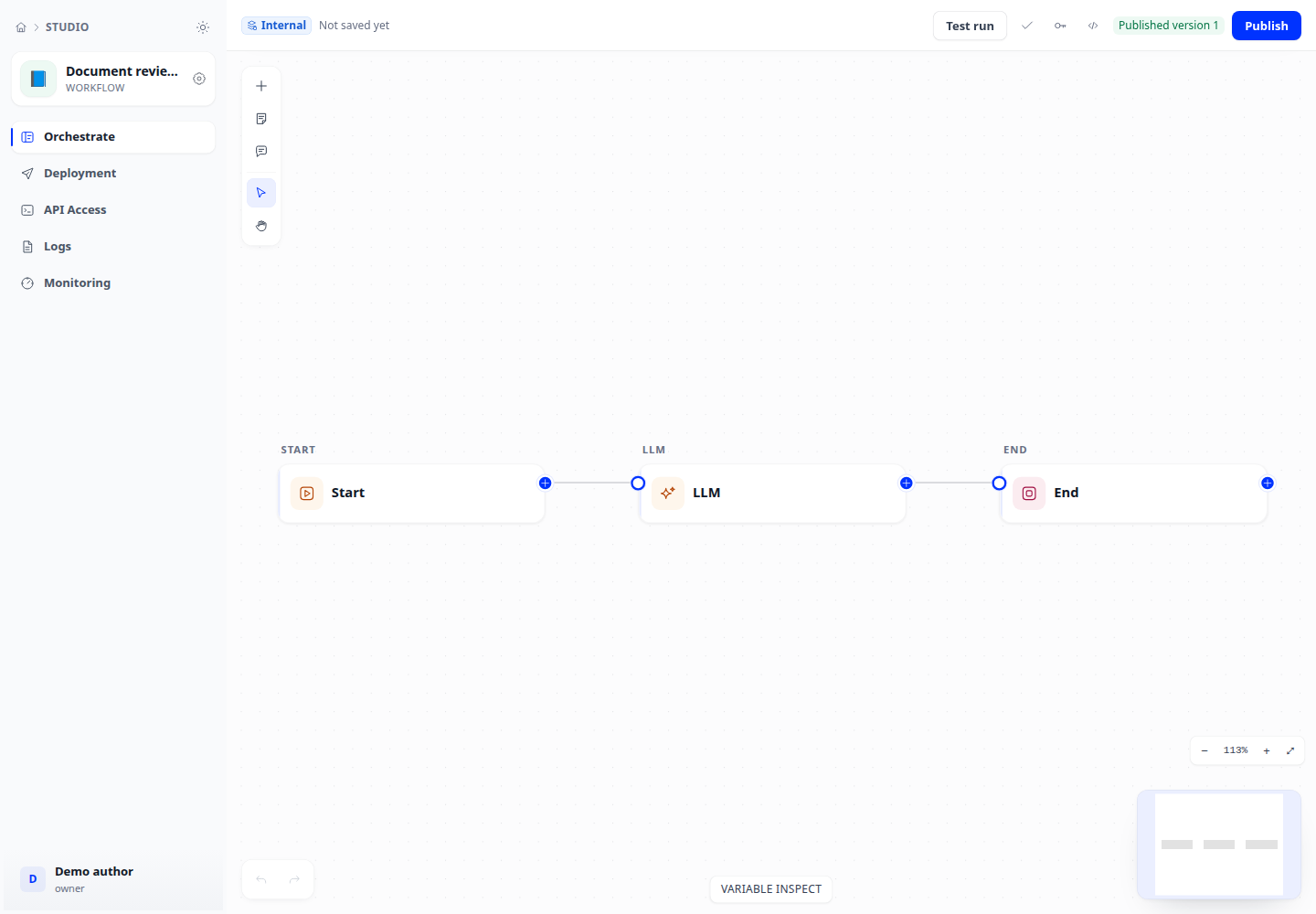
Step-by-step
- Export DSL from the workflow. Review application name, type and model/tool references in the file.
- At the destination, choose Import app from DSL, paste content or choose a file, then confirm. Import creates a new application.
- Open Environment variables in the new application. Supply required values again; DSL does not carry secret values.
- Select models, knowledge bases and tools available at the destination, then test before publishing.
Expected result
The new application has the correct structure, the original is unchanged and dependencies are configured.
If it does not work
Successful import followed by failure often means missing variables, models or tools. Saved secret values cannot be read back; an empty replacement field means unchanged.