
Instance accounts
Operations for AI Studio instance administrators.
Where to work
Operations for AI Studio instance administrators.
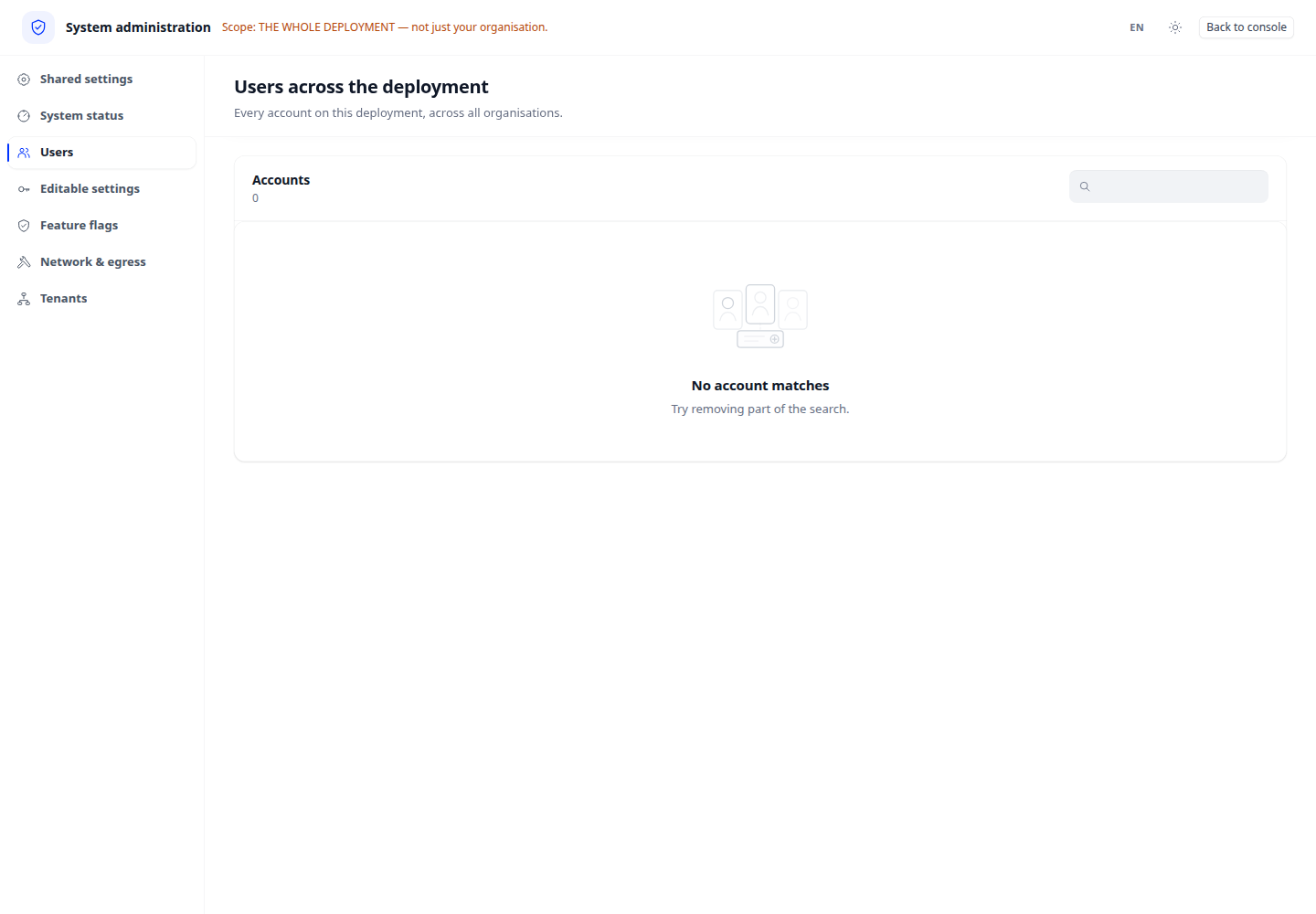
Step-by-step
- Sign in as an instance administrator and open the corresponding Administration page. Workspace ownership alone does not grant this access.
- Locate an account using displayed information and inspect its current state.
- Make a permitted change, review the confirmation and reload the list.
- Reload to verify effective state and review the effect on applications in use.
Expected result
Managing an instance account differs from removing one workspace membership.
If it does not work
If access is denied, check instance-administration access. Change read-only settings through deployment procedures rather than trying to edit them here.