
Configure applications and multimodal features
Configure inputs, conversation features, speech, image generation and business processes.
Overview
Configure inputs, conversation features, speech, image generation and business processes.
Steps
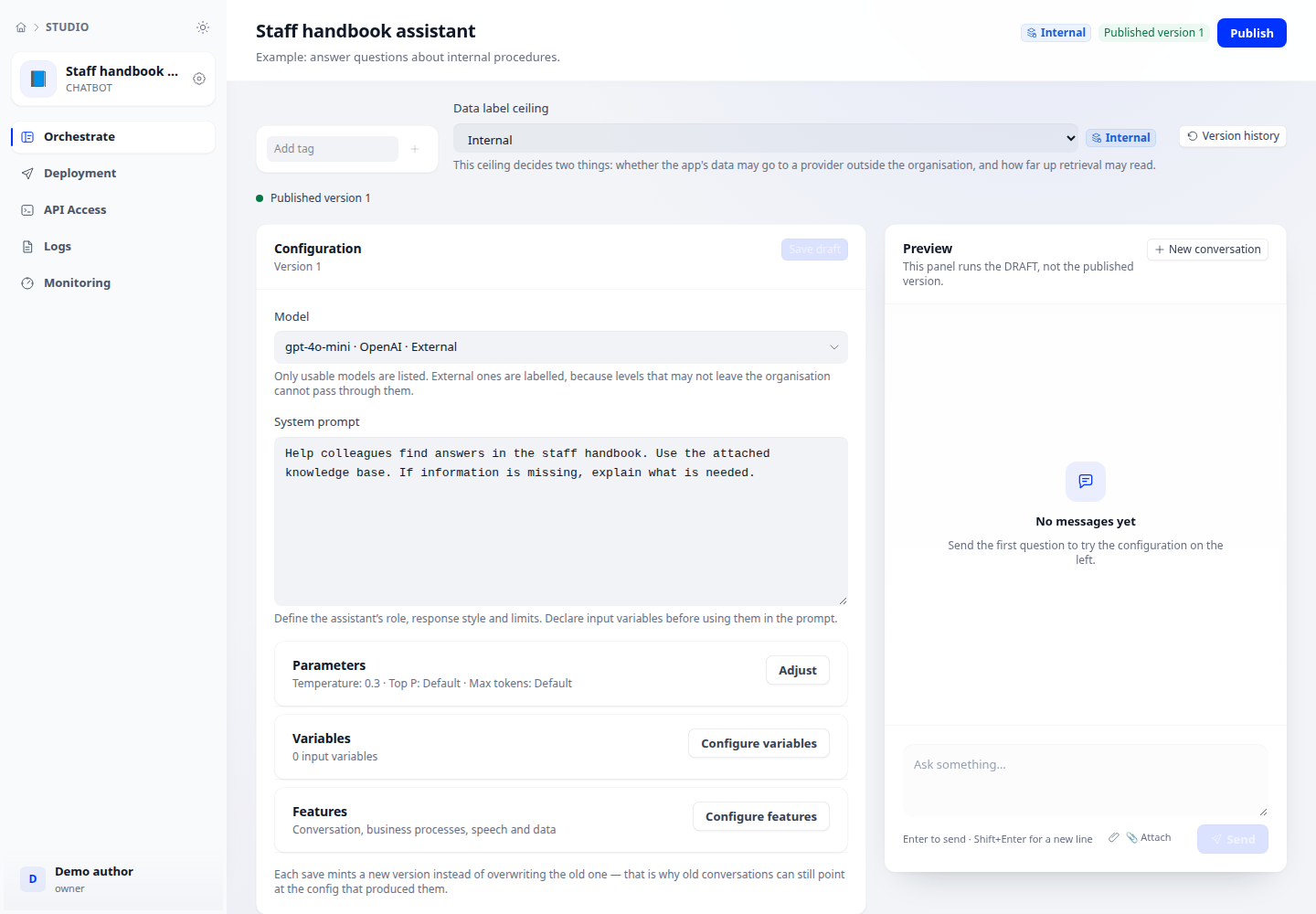
- Open draft configuration. Select the model, parameters and instructions; declare variables referenced by instruction or opening-message templates.
- Open Features to configure the opening message, suggested questions and retrieval mode. Select speech recognition, text-to-speech or image-generation models when the relevant provider is configured.
- For business-specific processes, define appropriate instructions and tools. Save the draft and test its inputs and each enabled feature before publishing.
Check the result
A configuration field does not mean its service is ready. Speech and image generation require supported models, permissions and a working connection.