
Webhooks, schedules and event retries
Attach triggers to workflows and track incoming events.
Where to work
Attach triggers to workflows and track incoming events.
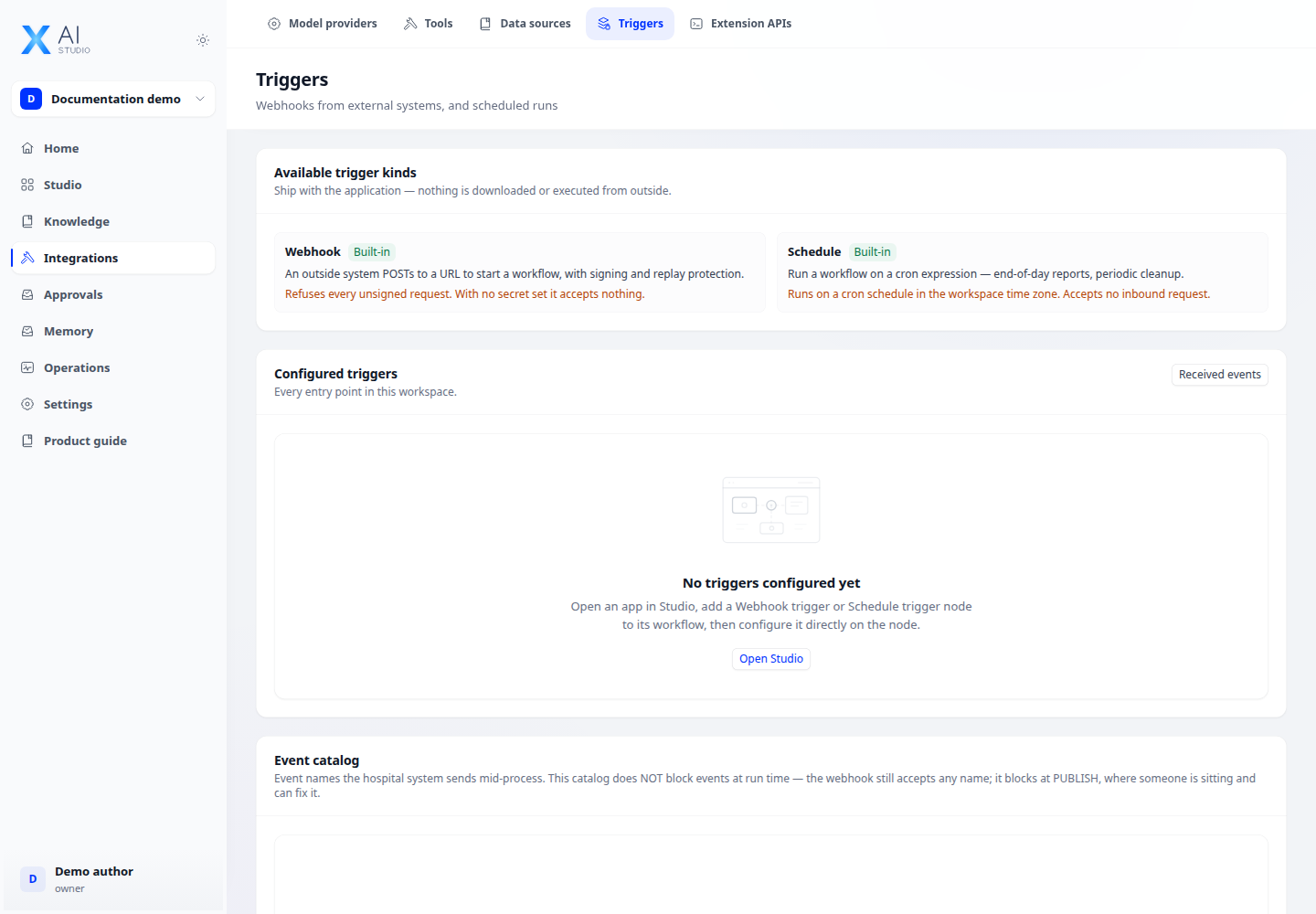
Step-by-step
- Save the workflow first, select a webhook or schedule trigger node and open its binding configuration.
- For schedules, enter cron and check the displayed timezone. For webhooks, save the signing secret when first shown.
- Map payload fields into input variables. Choose JSON or FHIR Bundle for the corresponding source, and set an hourly cap.
- Send a test event, filter Received events by status and open the linked run. Retry failed events only after checking their cause.
Expected result
The event appears, links to a run and completes or waits as designed.
If it does not work
No run: check enabled state, signature, cron and mappings. Disabling preserves the current secret; rotating it requires sender updates.