
Explore model providers
Compare the provider catalog before configuring models.
Where to start
Compare the provider catalog before configuring models.
Steps
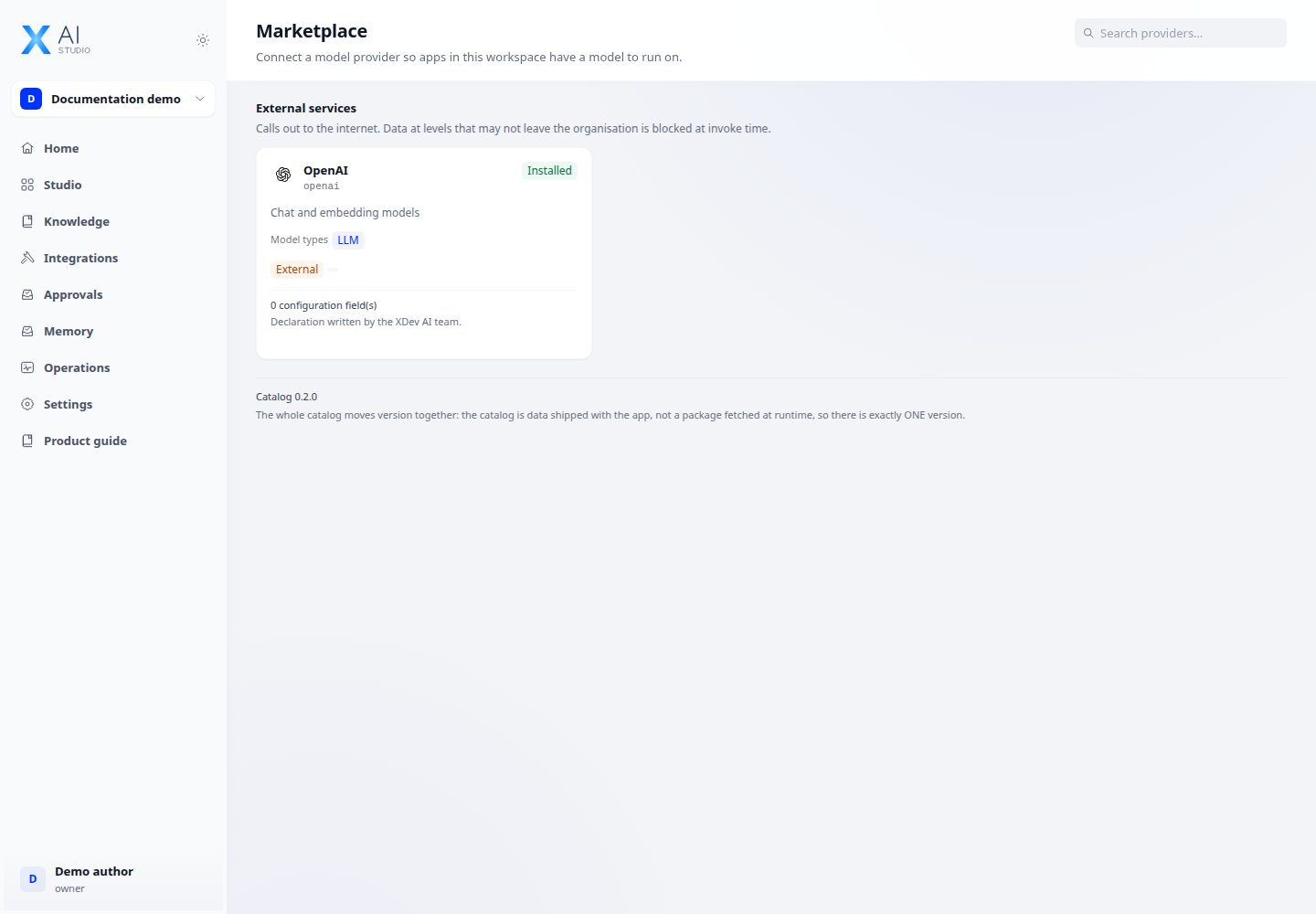
- Open Marketplace and search by provider name or model type.
- Review whether a provider runs inside the organisation, uses an external service or only tests flows; inspect its required configuration fields.
- Go to Integrations → Model providers to configure the selected provider and select default models.
Check the result
A catalog entry is not a working connection. Check configuration and model availability before attaching it to an application.