
Use the application API and MCP
Integrate published apps into another system.
Before you begin
This guide stays on xdev.asia. To perform the task, use an account in your organization’s AI Studio workspace with access to this feature. Screenshots show a demonstration workspace; names and data are examples.
Find the screen
Integrate published apps into another system.
Step 1
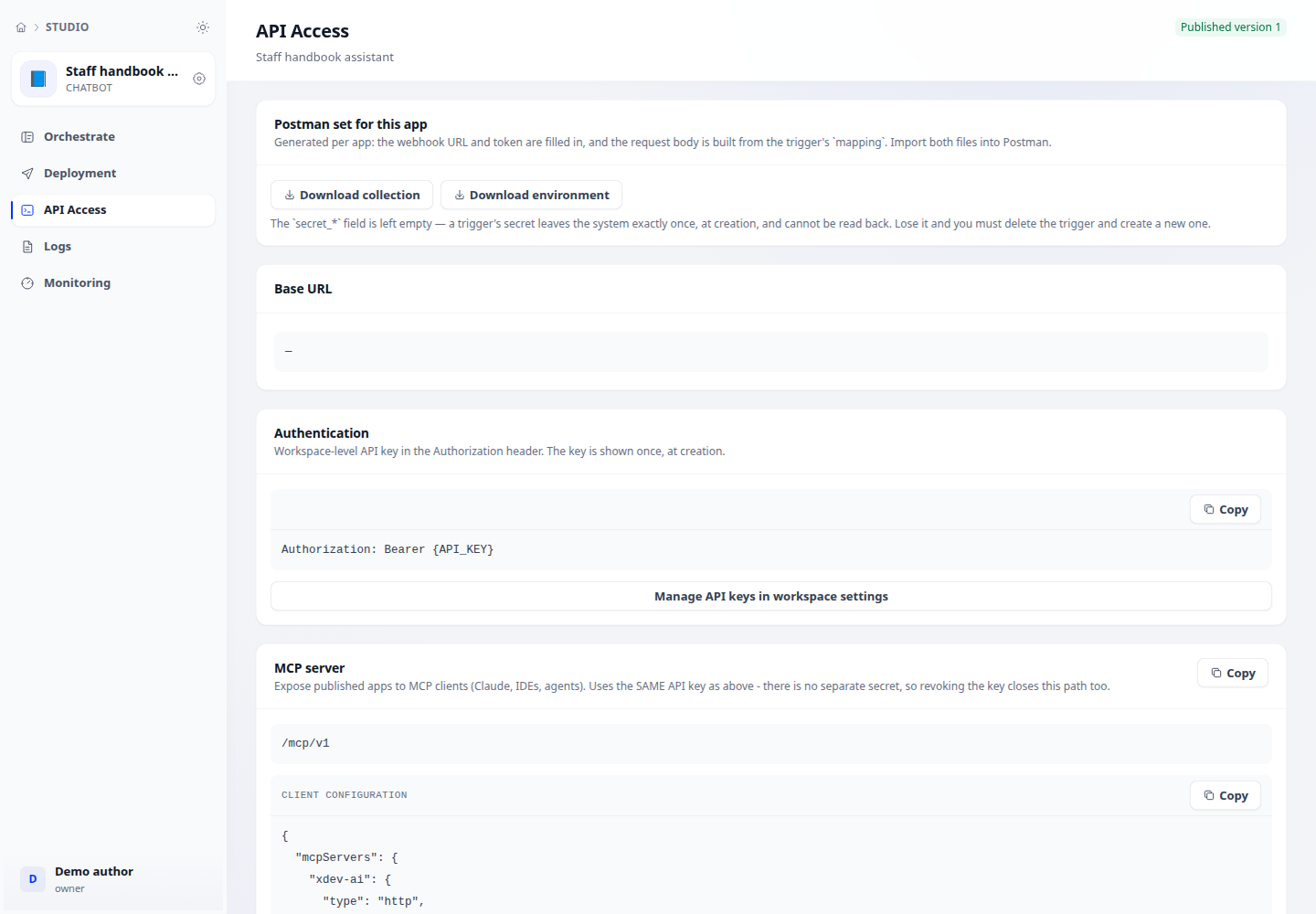
Open an app → API access and read its generated endpoint, input schema and examples. Publish the app before calling its published interface.
Step 2
Create an API key in Workspace settings with the required scopes. Store the secret securely and use the authentication format shown in the API documentation.
Step 3
Send a sample request from your server or configure your MCP client with the documented endpoint. Inspect the response and app logs; revoke keys that are no longer needed.
Check your result
The response matches the application’s documented output schema. For authentication errors, verify the key and its scopes. For unavailable apps, verify publication and access restrictions.