
Token and request quotas
Set usage limits for the appropriate scope and period.
Where to work
Set usage limits for the appropriate scope and period.
Step-by-step
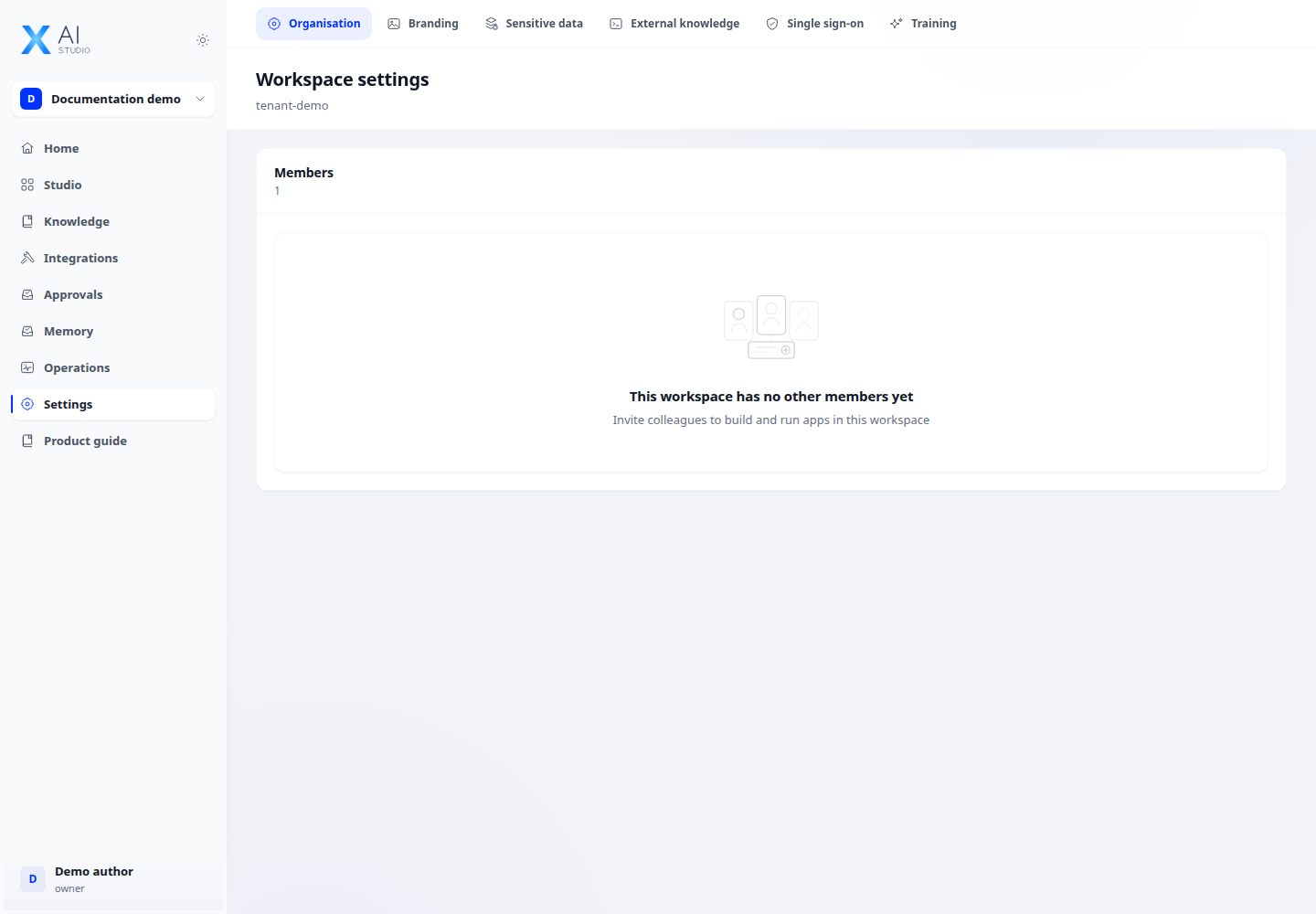
- Open Quotas in workspace management. Choose an available organisation, workspace, application or provider scope.
- Select the daily/monthly period and token/request ceilings. Check the meaning of empty values and zero before saving.
- Monitor usage and ceiling-reached state, comparing them with Monitoring statistics.
- Start a new period or delete a quota only after reviewing its effect on further usage.
Expected result
The quota applies to the intended subject and period, with visible usage.
If it does not work
Blocked below an application’s own limit: check higher-level quotas. No limit and a zero limit are different states.