
Create roles and assign permissions
Define workspace permissions around team responsibilities.
Where to start
Define workspace permissions around team responsibilities.
Steps
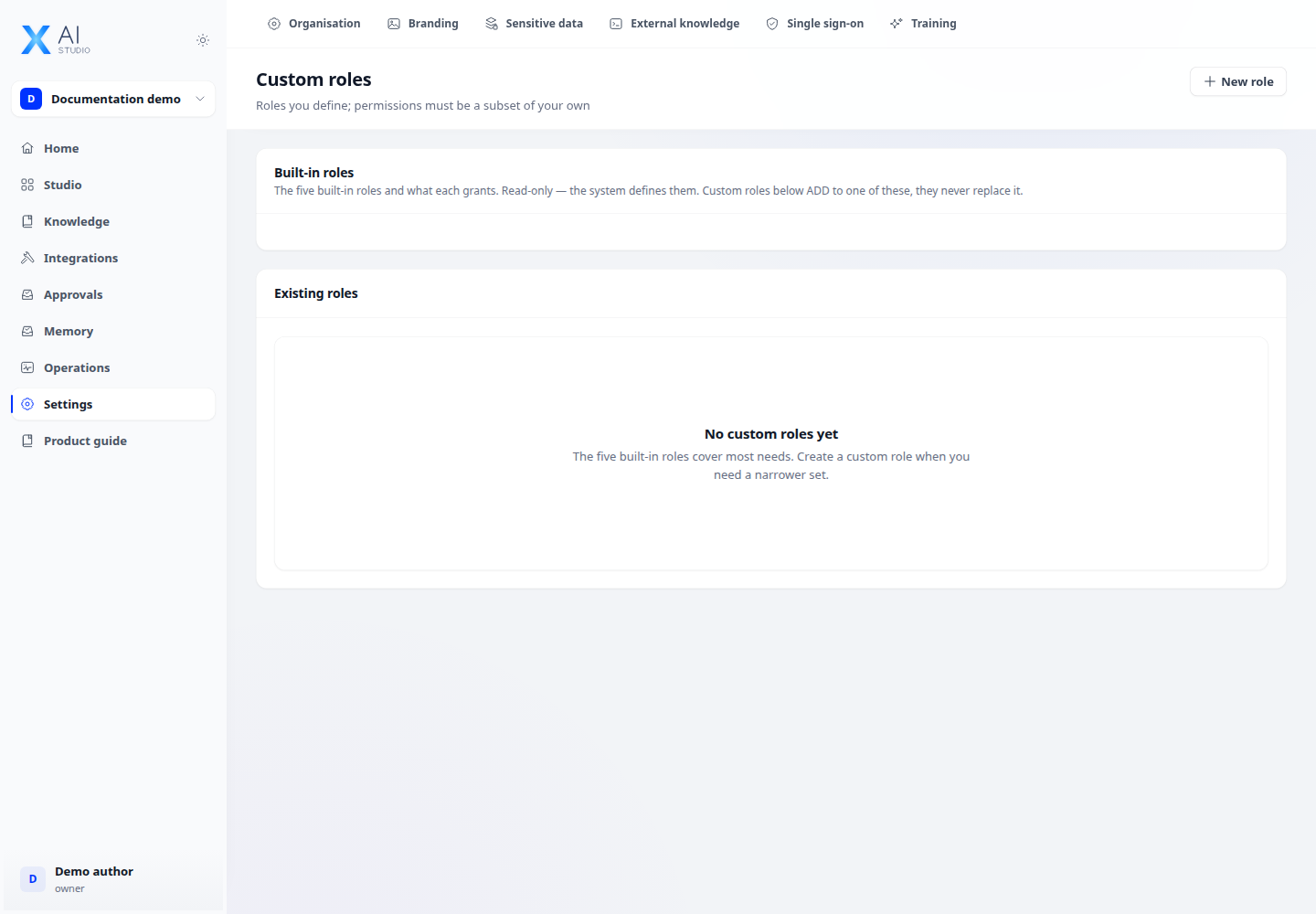
- Open Settings → Custom roles using an account allowed to manage roles.
- Create a role, name it and select task-appropriate permissions. Granted permissions must stay within those you are allowed to grant.
- Assign the role to members through workspace management and verify it with a member account before wider use.
Check the result
Workspace roles do not automatically grant instance administration. Check both allowed operations and operations that must be denied.