
Test and tune retrieval
Inspect retrieved context before using it in answers.
Where to start
Inspect retrieved context before using it in answers.
Steps
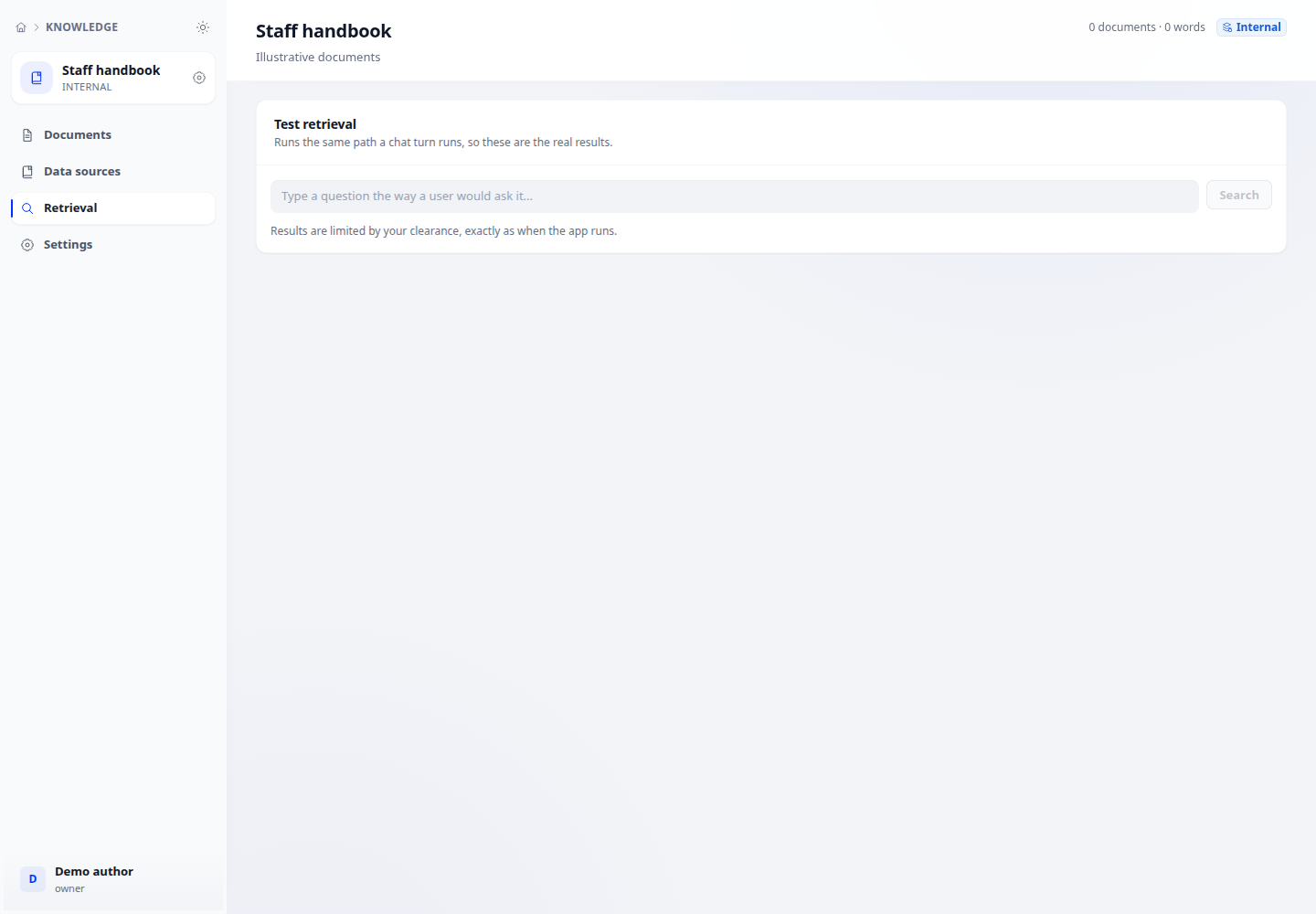
- Select a knowledge base, open Retrieval and enter a realistic question. Inspect the returned chunks and scores.
- In base settings, choose full-text, semantic or hybrid retrieval as supported by the index. Adjust Top K and the score threshold using test results.
- For reranking, select a configured rerank model. Repeat with alternate wording and a question outside the documents.
Check the result
Economy indexing has no vectors and only supports full-text search. Reranking adds a model call and may send chunk content to the selected provider.