
Read logs and execution traces
Trace application results back to conversations or execution steps.
Where to start
Trace application results back to conversations or execution steps.
Steps
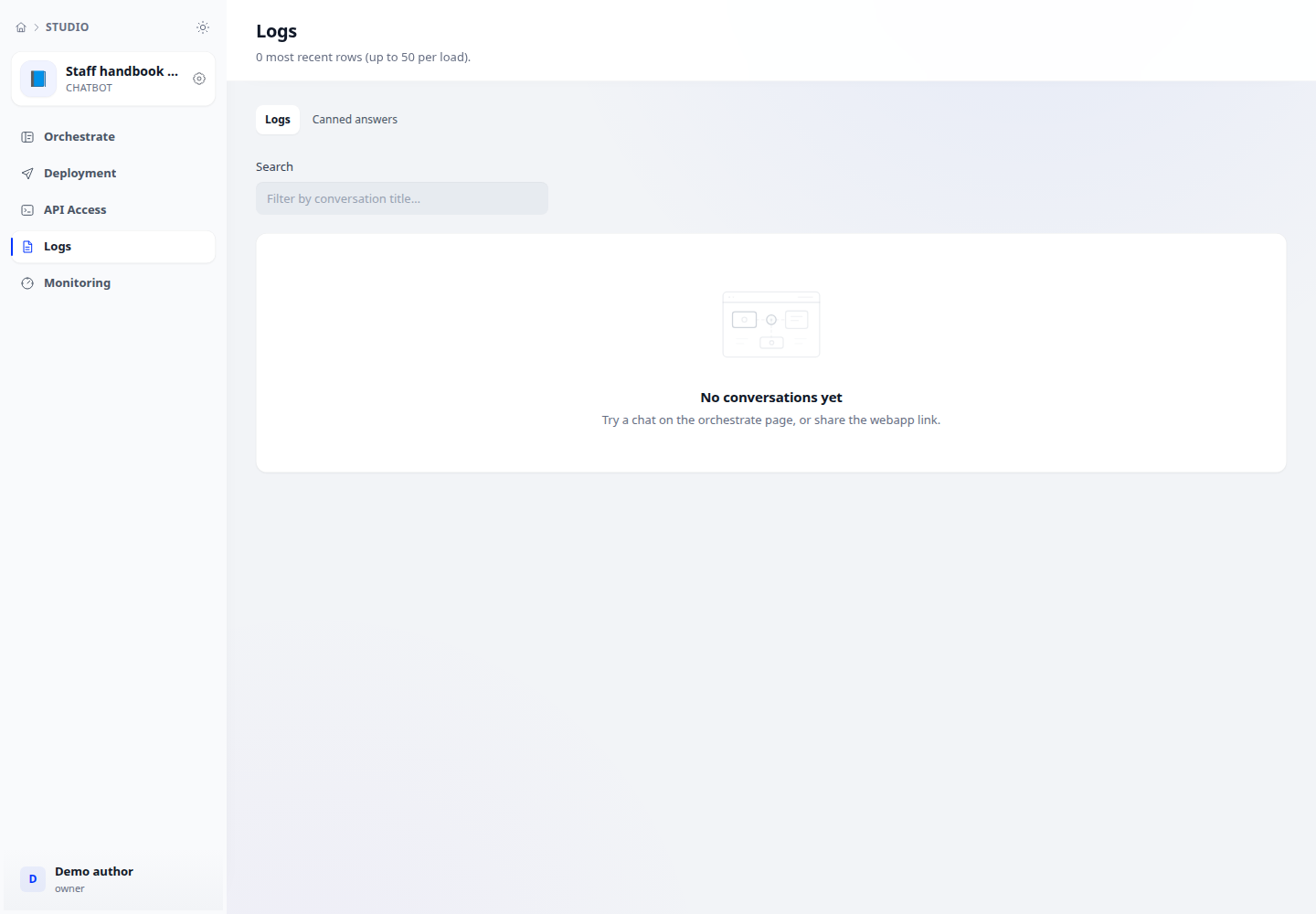
- Open an application and select Logs. The list shows conversations or workflow runs depending on application type.
- Search within the loaded list, then open a conversation or execution trace.
- Compare status, timestamps, token use and elapsed time. For workflows, inspect the failing step before changing the draft and retrying.
Check the result
Distinguish per-application logs from aggregate Monitoring. Lists have loading limits, so searching does not necessarily cover all historical records.