
Connect AI models
Choose the models your workspace can use.
Before you begin
This guide stays on xdev.asia. To perform the task, use an account in your organization’s AI Studio workspace with access to this feature. Screenshots show a demonstration workspace; names and data are examples.
Find the screen
Choose the models your workspace can use.
Step 1
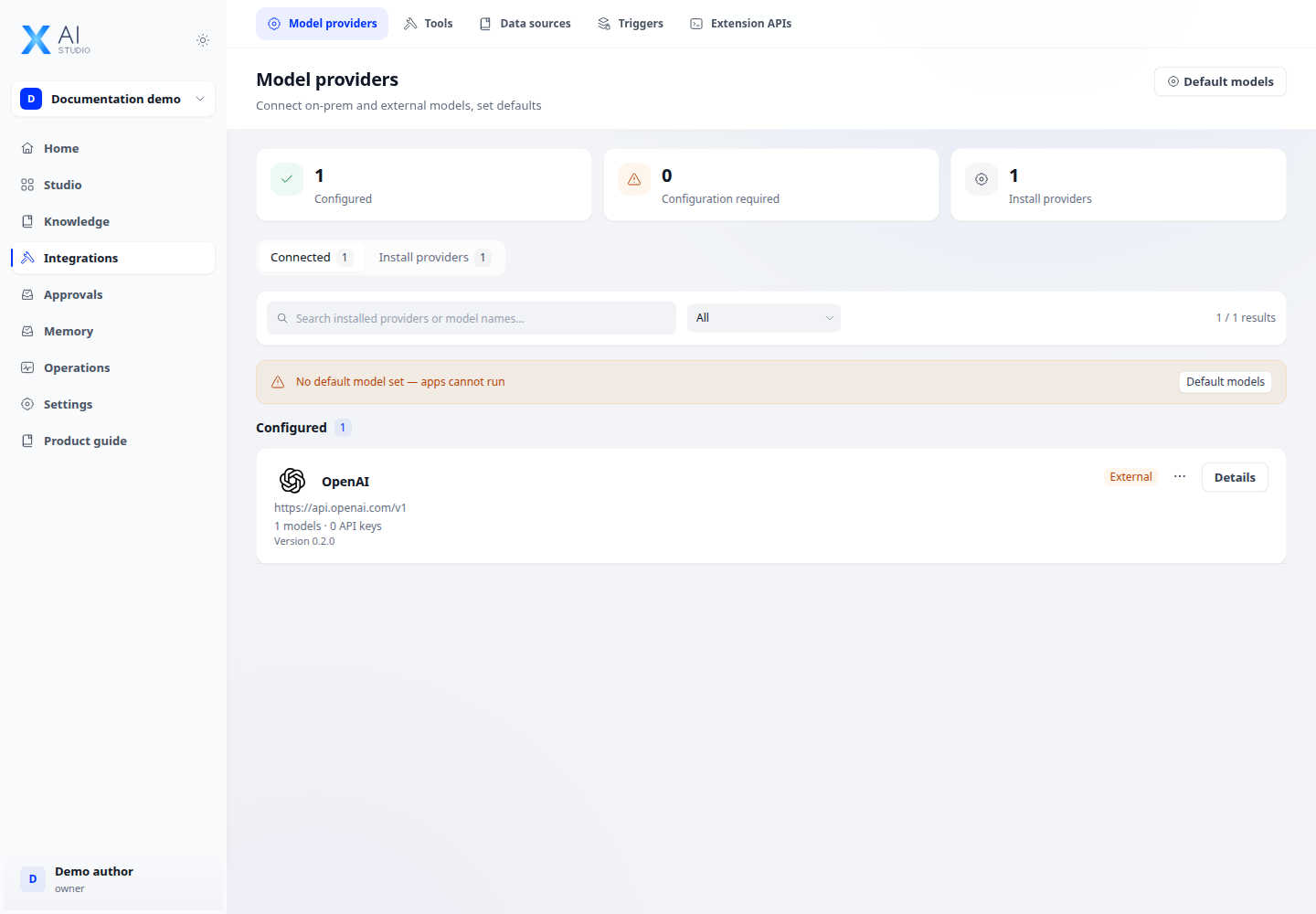
Open Integrations → Model provider and select a provider from the catalog. Enter its endpoint and credentials as required.
Step 2
Add or enable the models you need. Use a chat model for conversations and an embedding model for knowledge indexing.
Step 3
Select the configured model in your app and send a test prompt. If it fails, check credentials, endpoint connectivity and workspace permissions.
Check your result
The provider is listed and the enabled model can be selected in an app. A successful connection does not replace a test request with your intended model.