
Manage long-term memory
Review and govern information retained across interactions.
Before you begin
This guide stays on xdev.asia. To perform the task, use an account in your organization’s AI Studio workspace with access to this feature. Screenshots show a demonstration workspace; names and data are examples.
Find the screen
Review and govern information retained across interactions.
Step 1
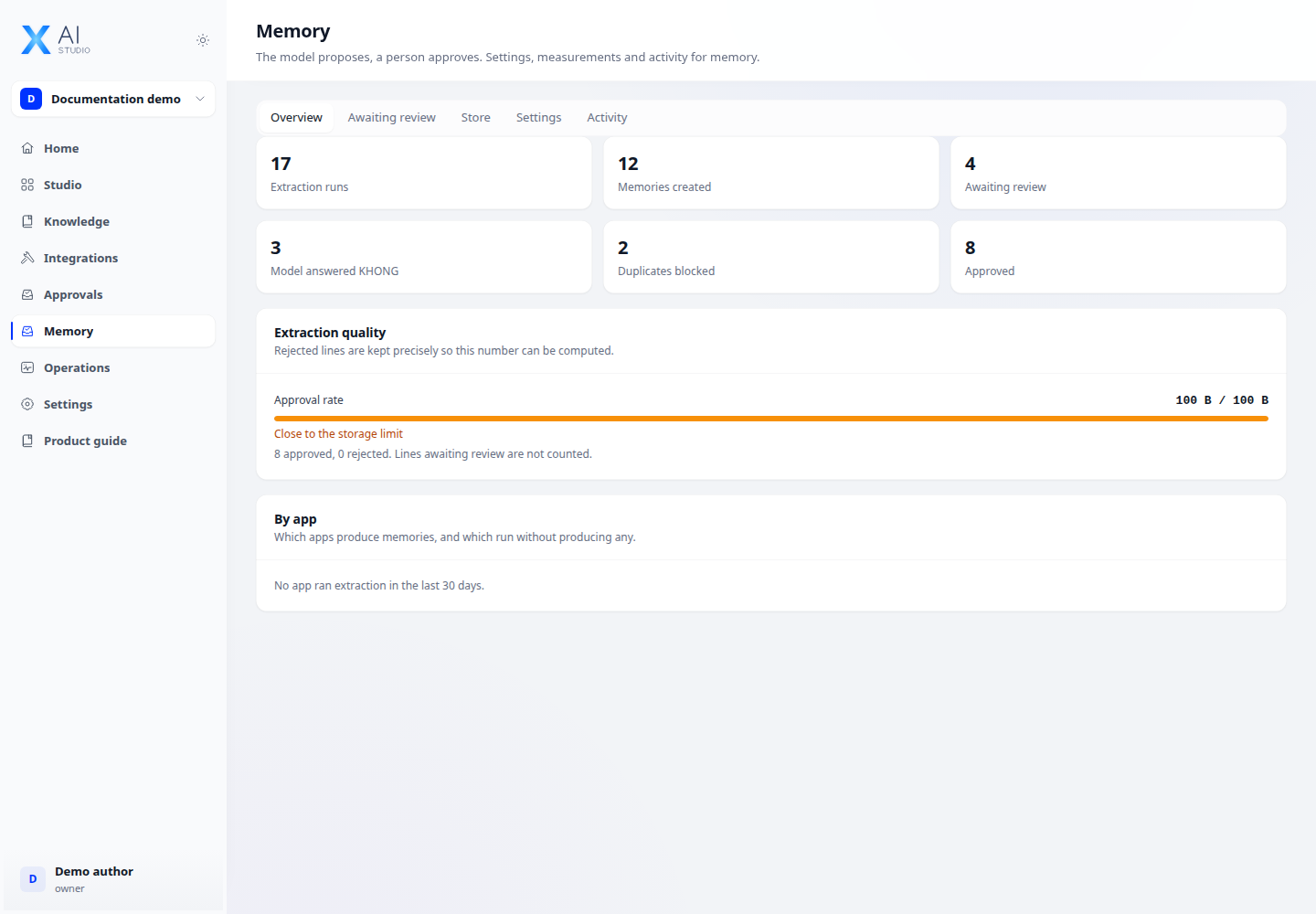
An authorized memory administrator opens Memories to review the dashboard and extraction queue. Check items and their source context before acting.
Step 2
Use the memory store to inspect retained information and the available correction or removal controls. Review settings and audit history for governance.
Step 3
For integrations, use the same user identity consistently across conversations and reviews. Missing or inconsistent identities can prevent the intended memories from being recalled.
Check your result
Reviewed items appear in the appropriate queue or store state. Test recall using the same user identity; approving a memory does not mean every future prompt will include it.