
Connect external knowledge
Connect an existing retrieval service in your organisation.
Where to start
Connect an existing retrieval service in your organisation.
Steps
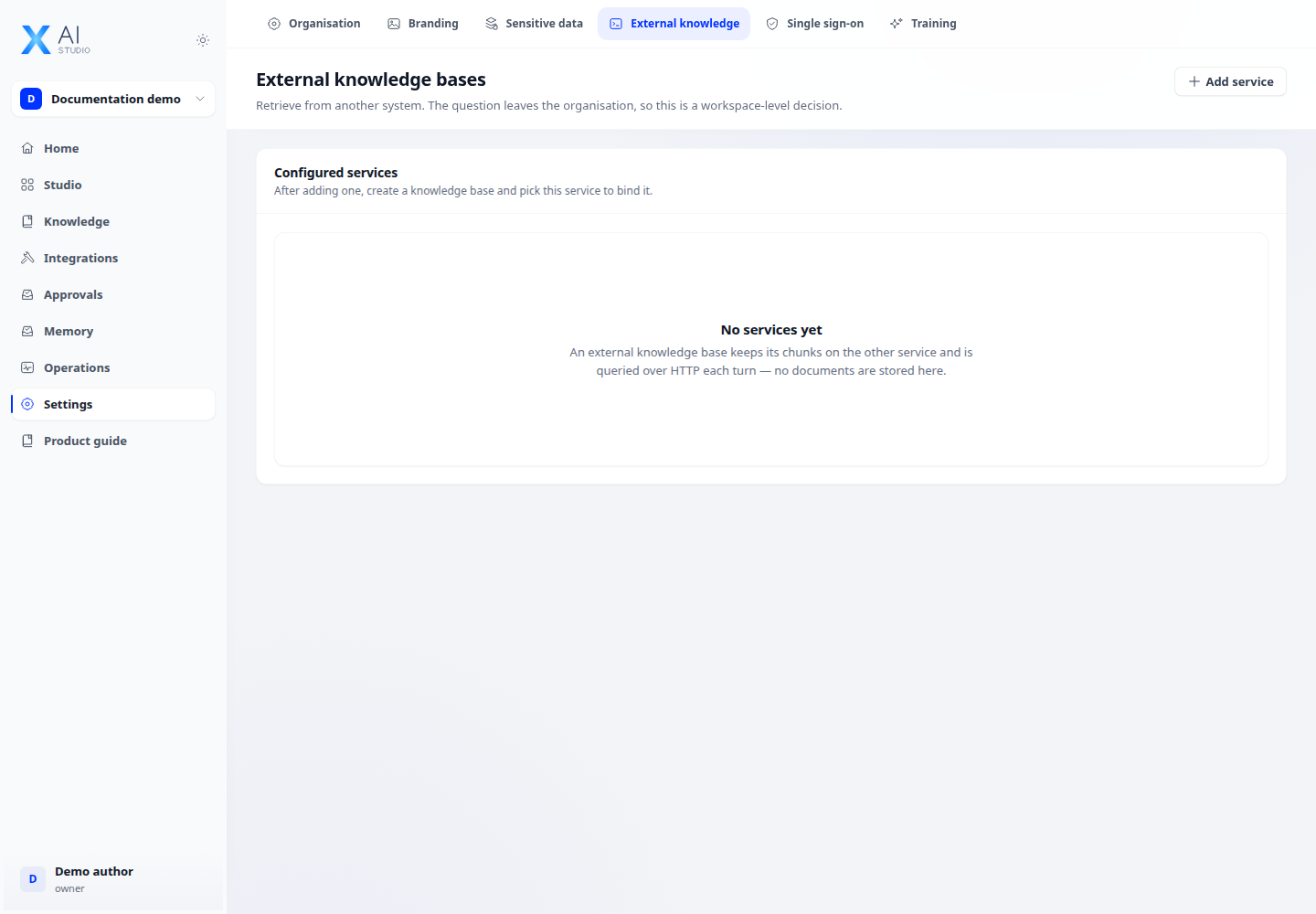
- Open Settings → External knowledge and register a service name, endpoint and required key.
- Create an external knowledge base and select the registered service and its external knowledge identifier.
- Use Retrieval inside that base to send a test question and inspect the response. Attach the base to an application after a successful test.
Check the result
This service receives outbound queries; it differs from a source that imports documents. The destination must satisfy connection policies and data labels.