
Configure single sign-on
Connect an identity provider and map user groups.
Where to start
Connect an identity provider and map user groups.
Steps
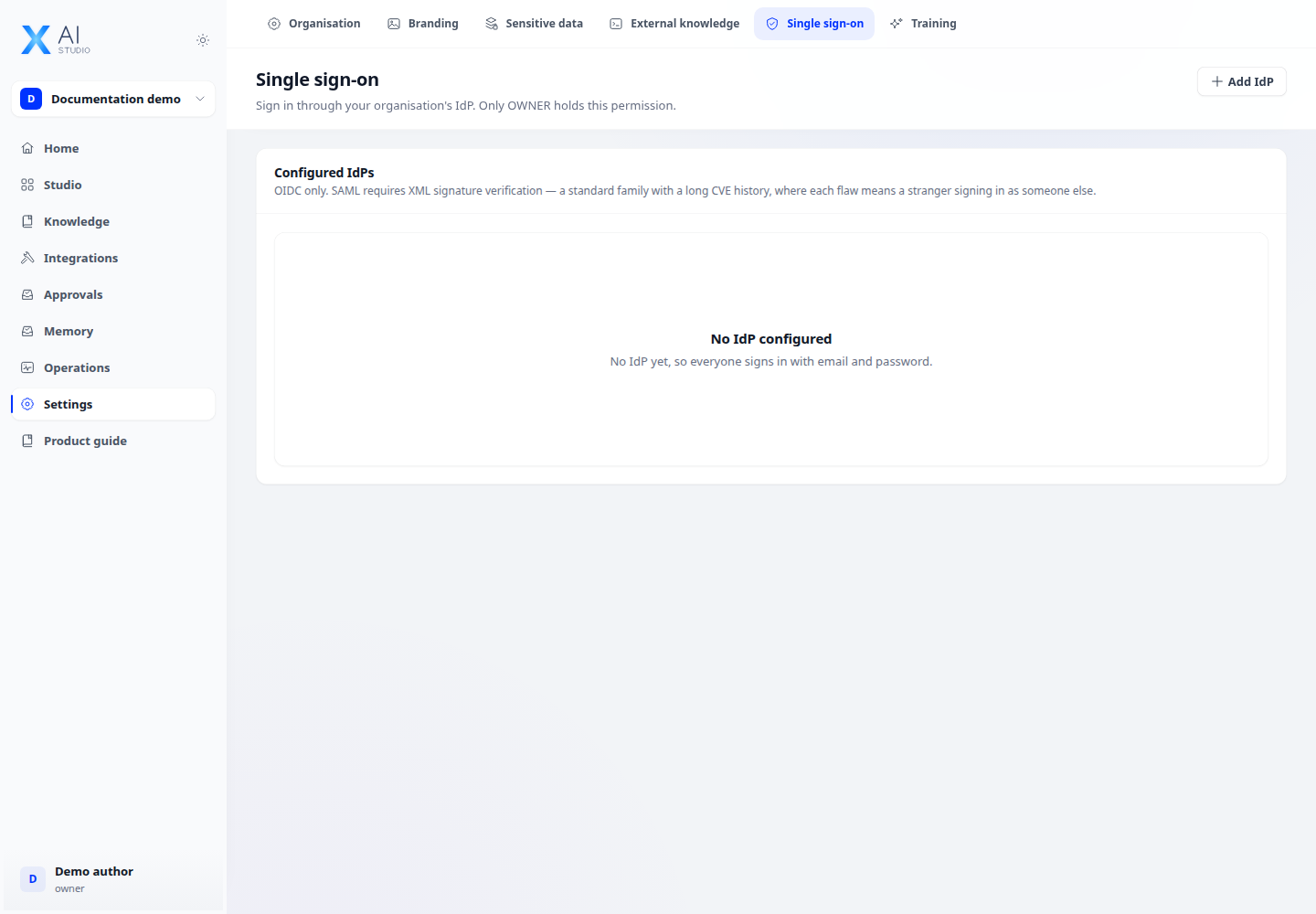
- Open Settings → Single sign-on. Add the issuer, client ID and credentials supplied by the identity administrator.
- Select the default workspace, routing domain and optional group mapping. Use the exact claim name sent by the provider.
- Test sign-in with a test account and verify workspace, role and clearance before enabling it for users.
Check the result
With group sync enabled, role and clearance refresh on each sign-in. Incorrect configuration can put users in the wrong workspace or leave them without needed access.