
Give agents tools
Connect built-in tools, HTTP APIs and MCP servers.
Before you begin
This guide stays on xdev.asia. To perform the task, use an account in your organization’s AI Studio workspace with access to this feature. Screenshots show a demonstration workspace; names and data are examples.
Find the screen
Connect built-in tools, HTTP APIs and MCP servers.
Step 1
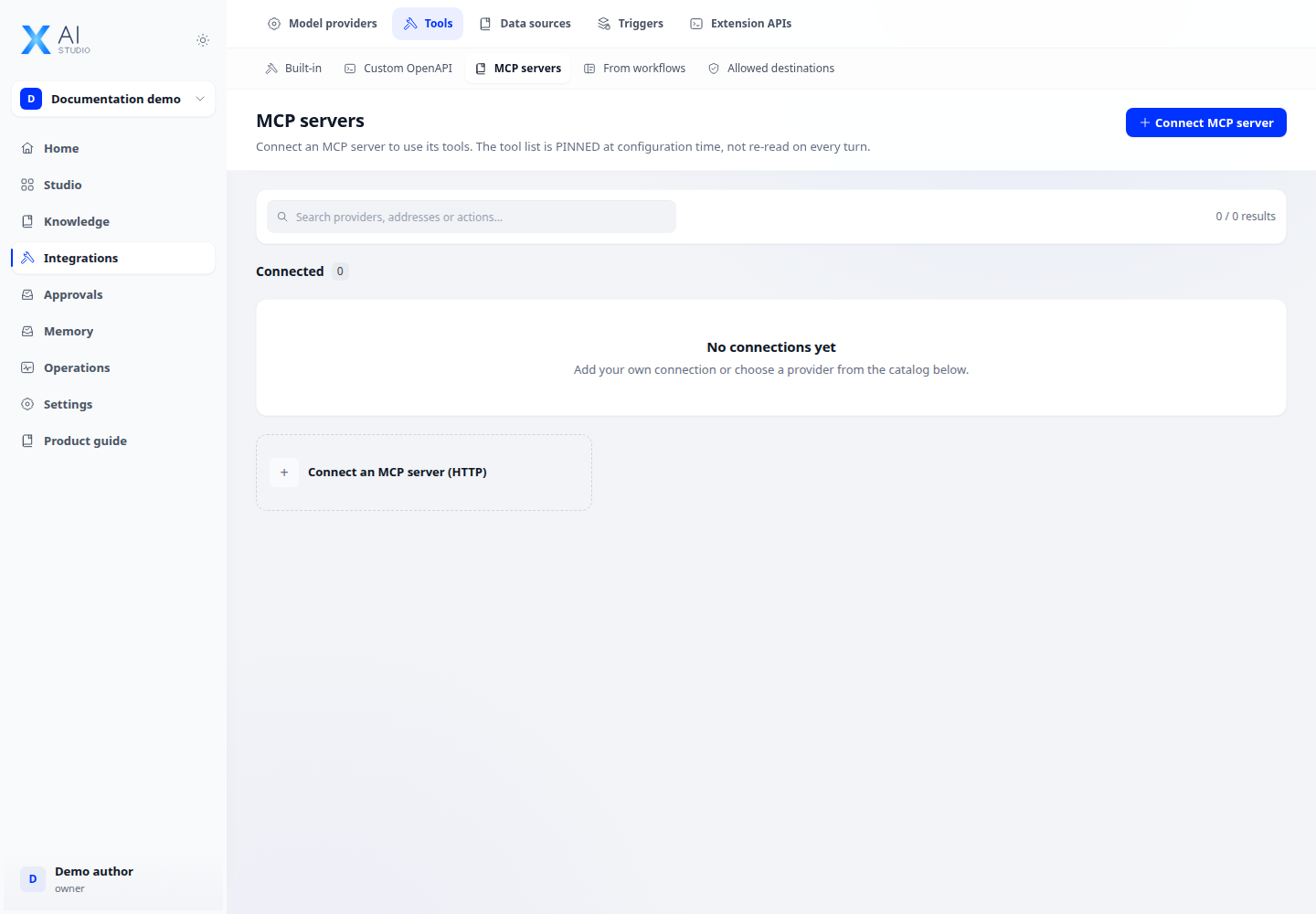
Open Integrations → Tools. Choose a built-in provider, add an API tool or configure an MCP server with its endpoint and authentication.
Step 2
Review the available operations and enable only those the app needs. Add the selected tools to your agent configuration.
Step 3
Run a task that needs the tool and inspect the tool call and result. For blocked external calls, ask an administrator to review the egress policy.
Check your result
The app can see the selected operations and a test run shows the intended tool call. If a tool is absent, check both the workspace connection and the app’s tool selection.
Choose the right tool type
Built-in tools expose system-provided operations; API tools call the HTTP interfaces you define; MCP discovers operations from a connected server; workflow tools reuse workflows. Select application-level operations after configuring workspace connections.