
Connect MCP servers
Discover and select MCP operations for agents.
Where to work
Discover and select MCP operations for agents.
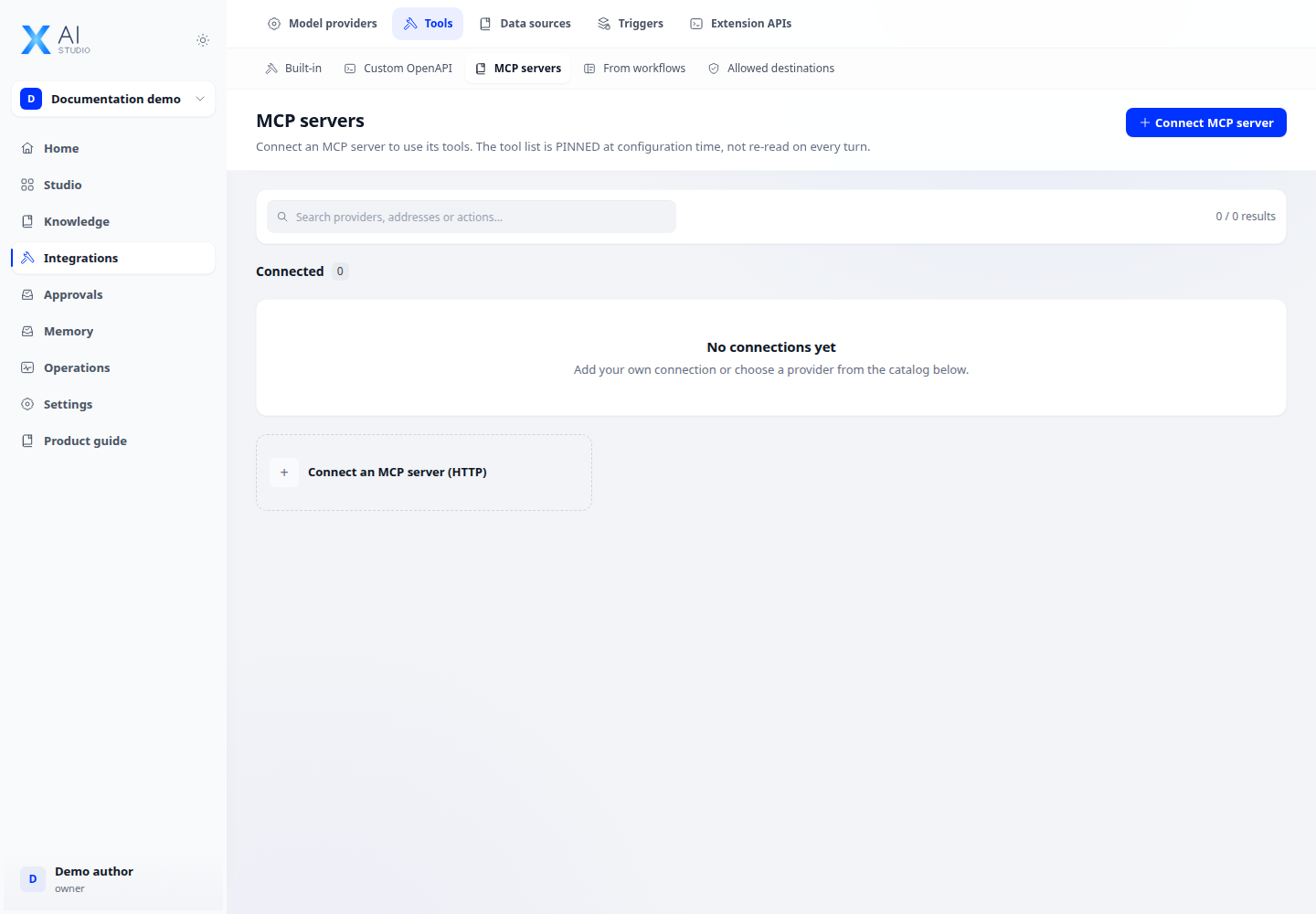
Step-by-step
- Open Integrations → Tools → MCP and add the server address and authentication required by the form.
- Check connectivity and inspect the operations exposed by the server. Review the input schema of the needed operation.
- In the agent application, attach the MCP connection and choose operations relevant to its task.
- Run a test task and inspect the actual call in logs, including a server-error case.
Expected result
Operations are discovered, selectable and invoked with the expected inputs.
If it does not work
Discovery failure: check URL, authentication and egress. A working connection does not mean it has been attached to an application.