
Manage S3 storage
Monitor the bucket, storage use and unreferenced objects.
Where to start
Monitor the bucket, storage use and unreferenced objects.
Steps
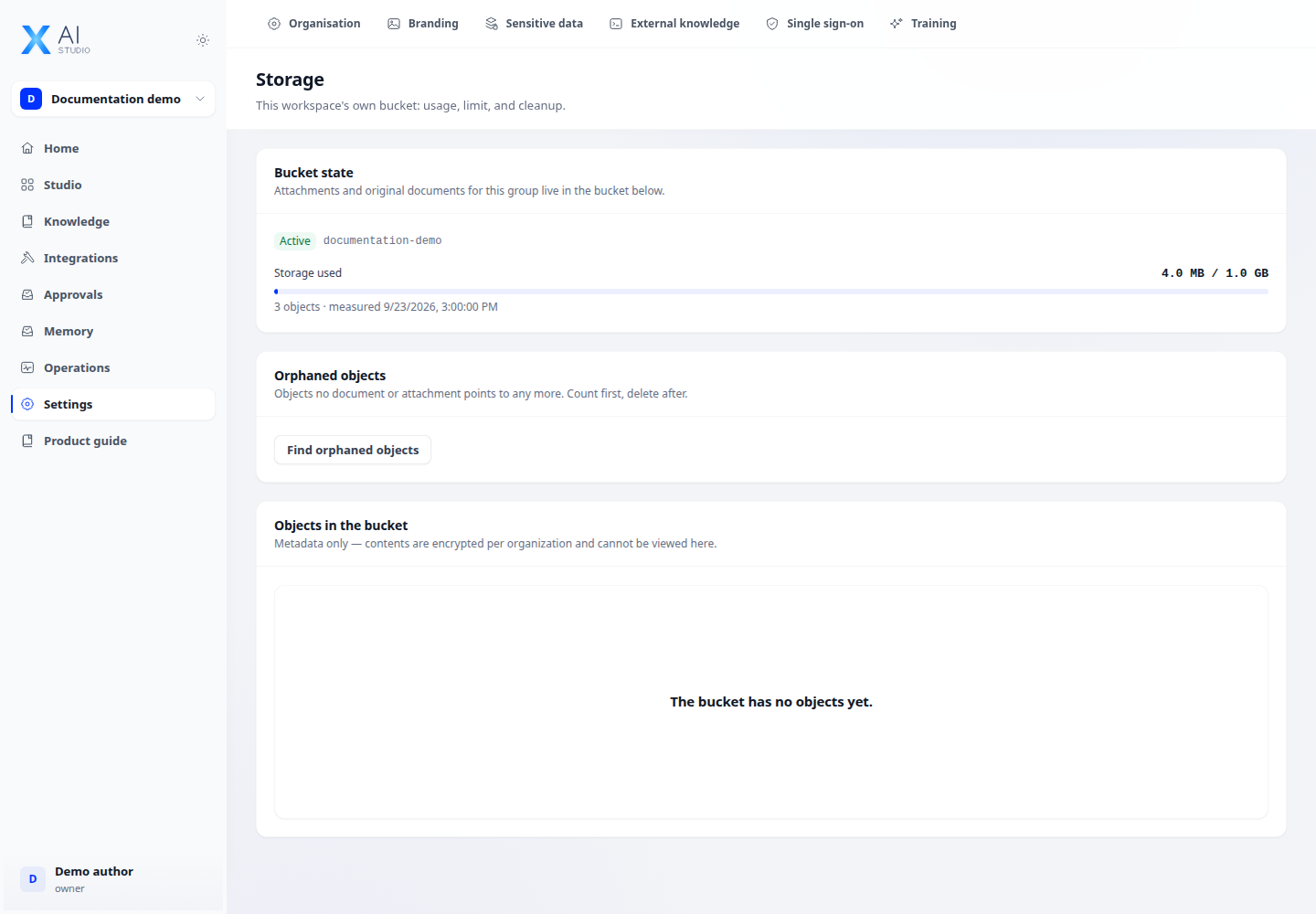
- Open Settings → Storage to inspect bucket status, use, object counts and measurement time.
- With quota-management permission, adjust limits as appropriate. Review object metadata to understand storage use.
- Scan for unreferenced objects and review them before cleanup. When migrating from shared storage, move files first and clean the old bucket afterwards.
Check the result
Usage reflects the latest measurement; exceeding the limit can block new uploads. Clean up only data confirmed as no longer needed.