
Design knowledge ingestion pipelines
Choose a template and customise how data enters a knowledge base.
Where to start
Choose a template and customise how data enters a knowledge base.
Steps
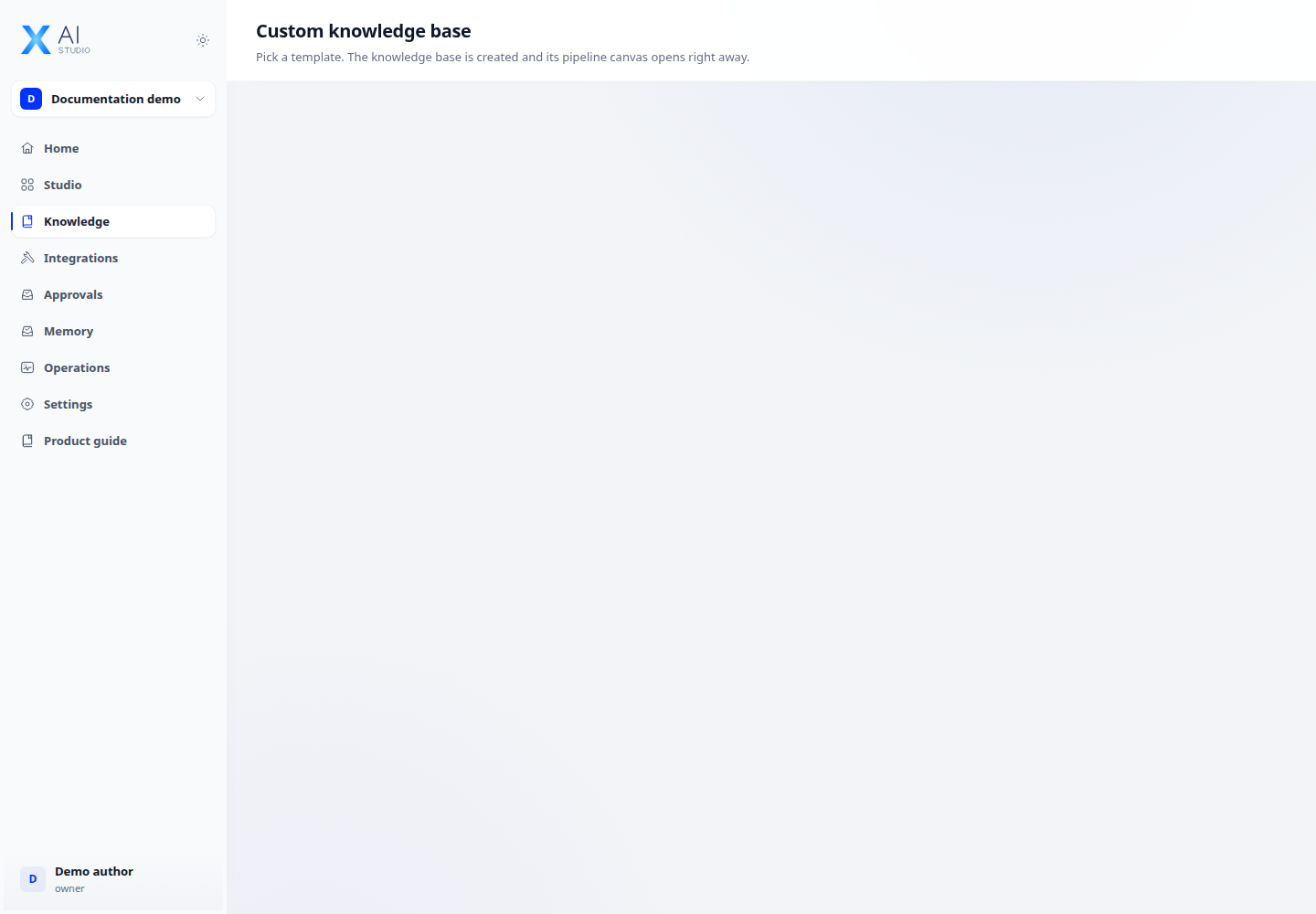
- Open Knowledge → Custom to review available pipeline templates.
- Choose a template, name the base and create it. The base and pipeline are created together, then the canvas opens.
- Review steps and configuration on the canvas before ingestion. Use a small document set to check the results.
Check the result
Check document status and test retrieval after ingestion, rather than relying only on a saved pipeline.