
Review memories and their evidence
Decide what may be reused in later AI turns.
Where to work
Decide what may be reused in later AI turns.
Step-by-step
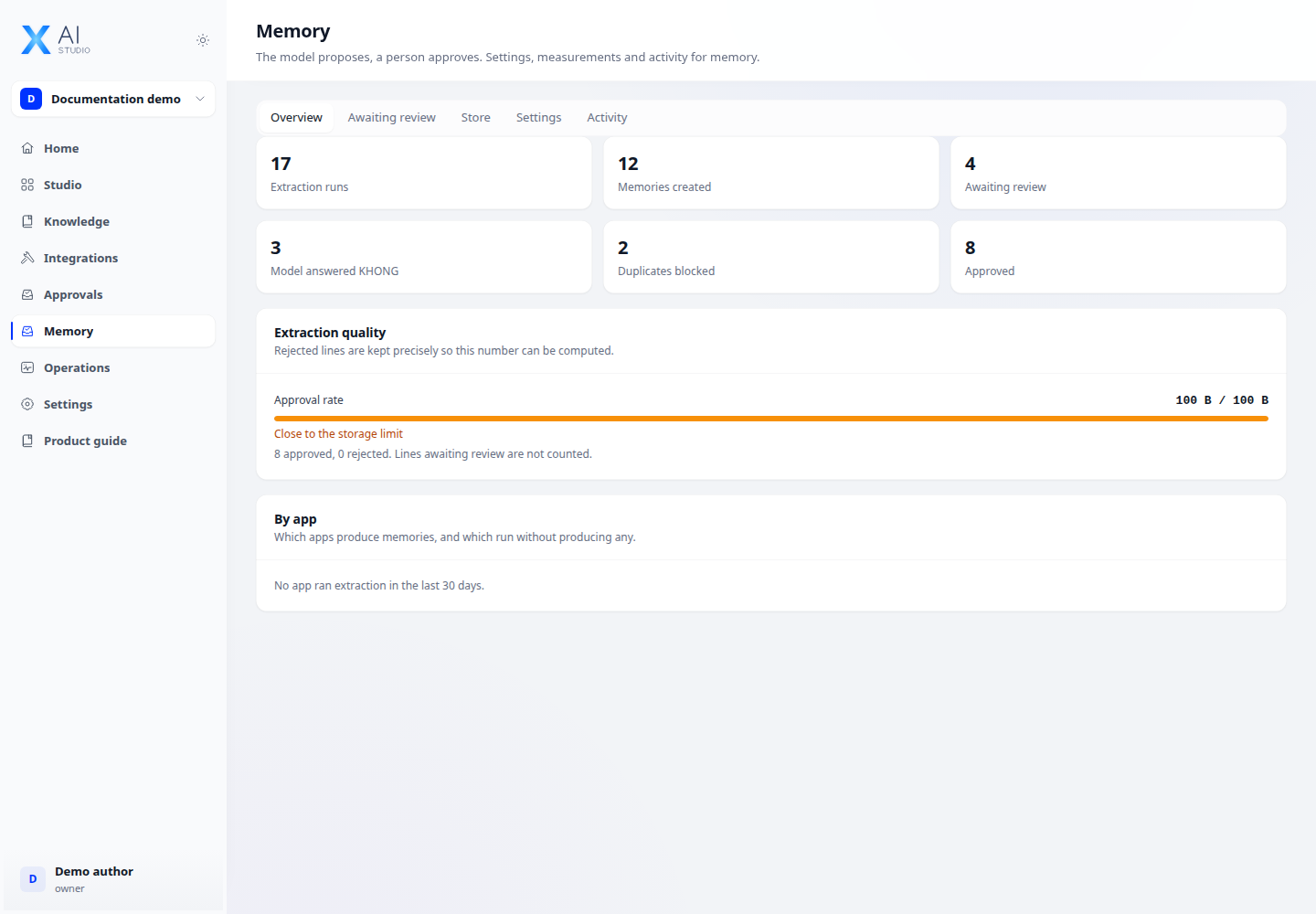
- Open Memory → Awaiting review with memory-administration permission. Inspect each proposal’s owner, application and label.
- Read the draft-versus-edit comparison. If evidence is unavailable, review the warning before deciding.
- Approve appropriate information or reject incorrect information. Approved memories may enter that subject’s later prompts.
- Open Store and Activity to verify the resulting state and the recorded action.
Expected result
The proposal changes state correctly and memories are not confused between subjects.
If it does not work
No approval rate may simply mean no decisions exist yet. A missing diff calls for review, not automatic approval.