
Connect messaging channels
Connect a published application to a supported communication channel.
Overview
Connect a published application to a supported communication channel.
Steps
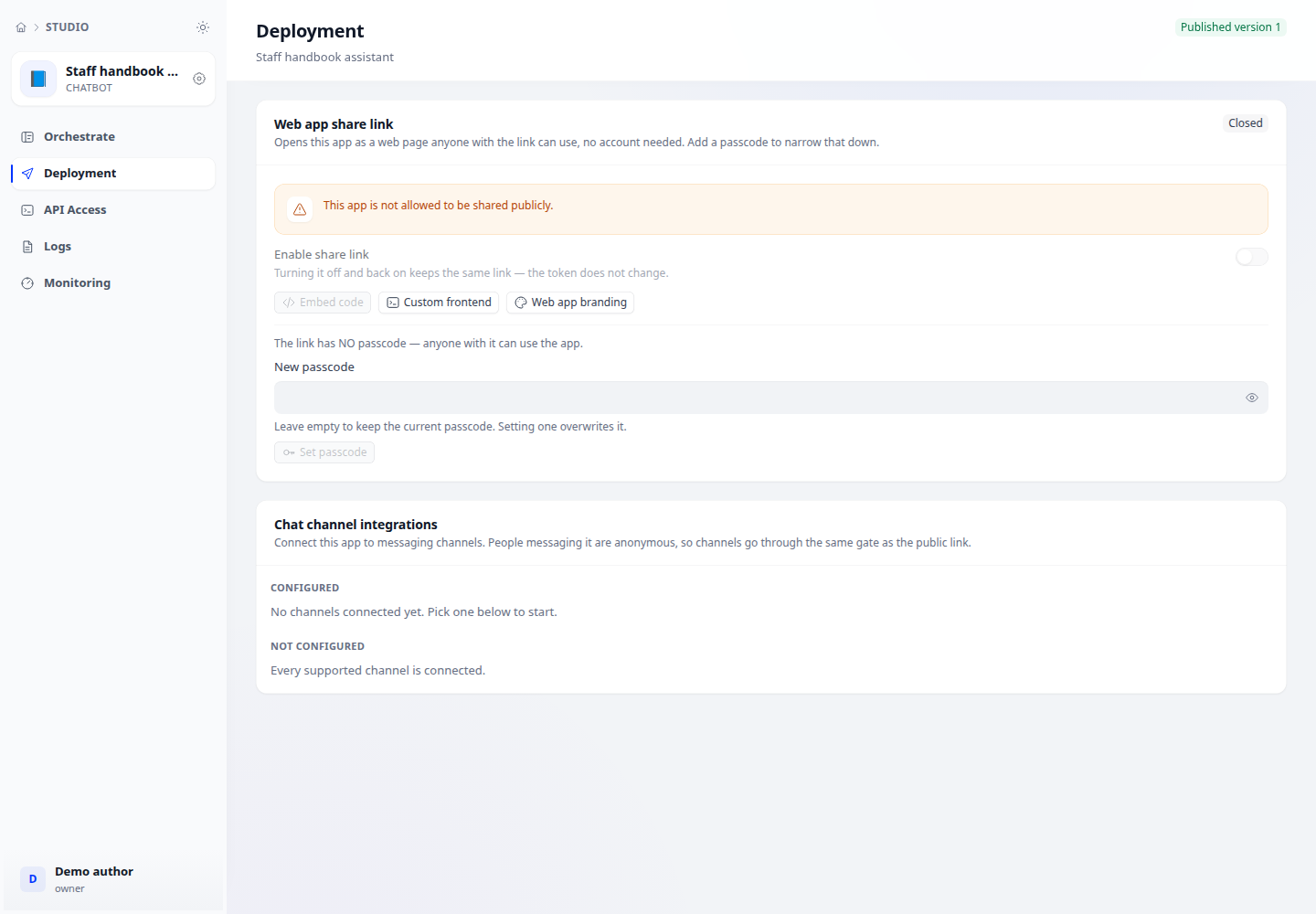
- Open application → Deploy and inspect the channel gallery. Choose the platform used by your team.
- Open channel configuration and provide credentials, identifiers and callback details required by the form.
- Complete the corresponding platform setup and enable the connection. Ensure the application has a published version.
- Send a test message from the actual channel and inspect the reply and logs. Retest after changing credentials or the published version.
Expected result
Messages traverse the channel and receive replies from the correct application, beyond merely saving configuration.
Checks and limitations
Receiving without replying: check publication, callbacks, credentials and bot permissions. Channel availability depends on deployment and platform configuration.