
Fine-tune a model
Submit and track training through configured providers.
Before you begin
This guide stays on xdev.asia. To perform the task, use an account in your organization’s AI Studio workspace with access to this feature. Screenshots show a demonstration workspace; names and data are examples.
Find the screen
Submit and track training through configured providers.
Step 1
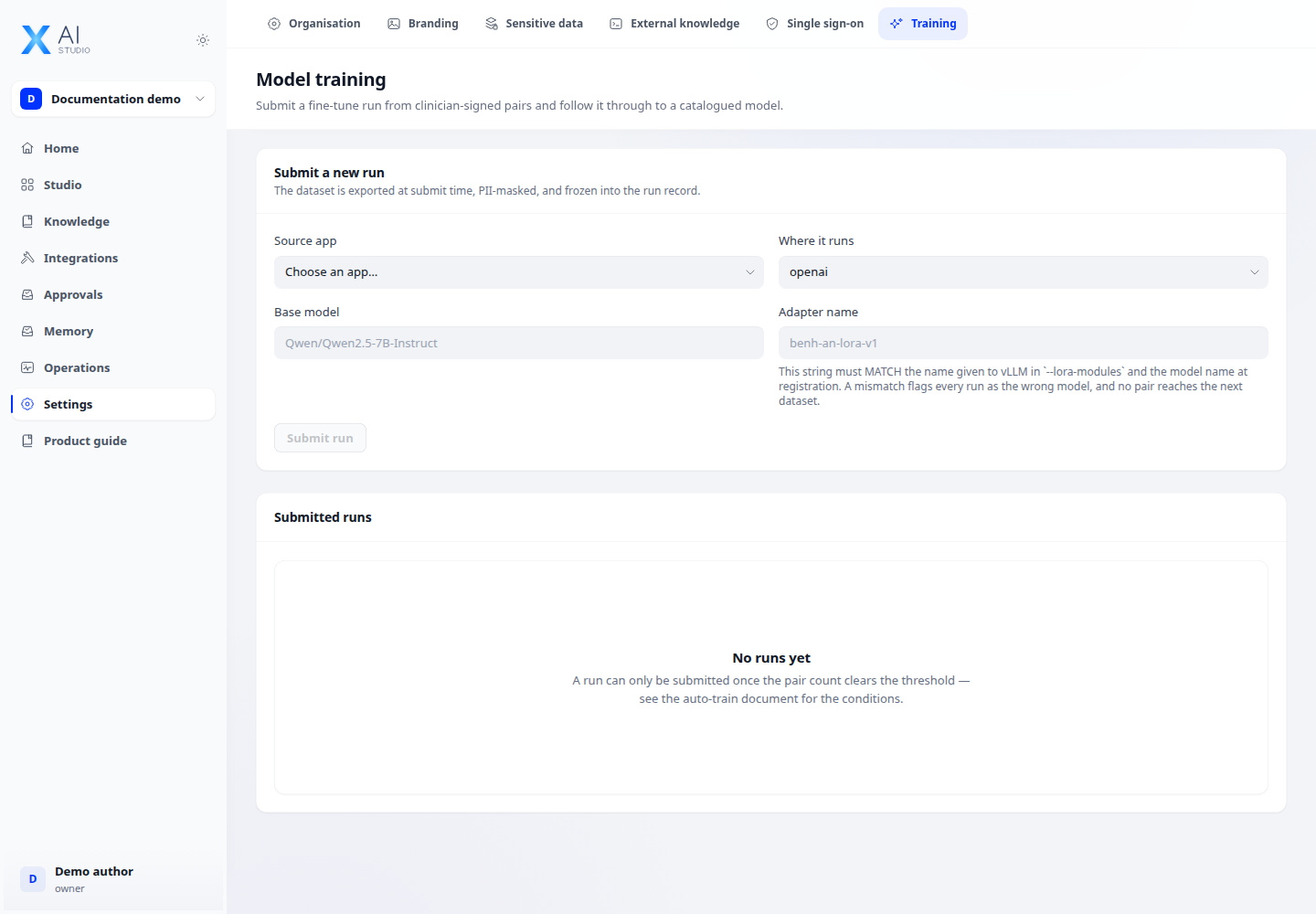
Open Settings → Model training and review the available training channels. Unavailable channels are identified in the page.
Step 2
Ask an administrator to grant training:finetune if you need to submit a job. Prepare the dataset and parameters required by the selected channel.
Step 3
Submit the job and follow its status. After success, use the available model registration flow and evaluate the model in a test app before wider use.
Check your result
The job appears in training history with its status. A submitted job is not a deployed model: wait for completion, register it where supported and evaluate it before use.