
Configure API tools
Let agents call APIs registered in the workspace.
Where to work
Let agents call APIs registered in the workspace.
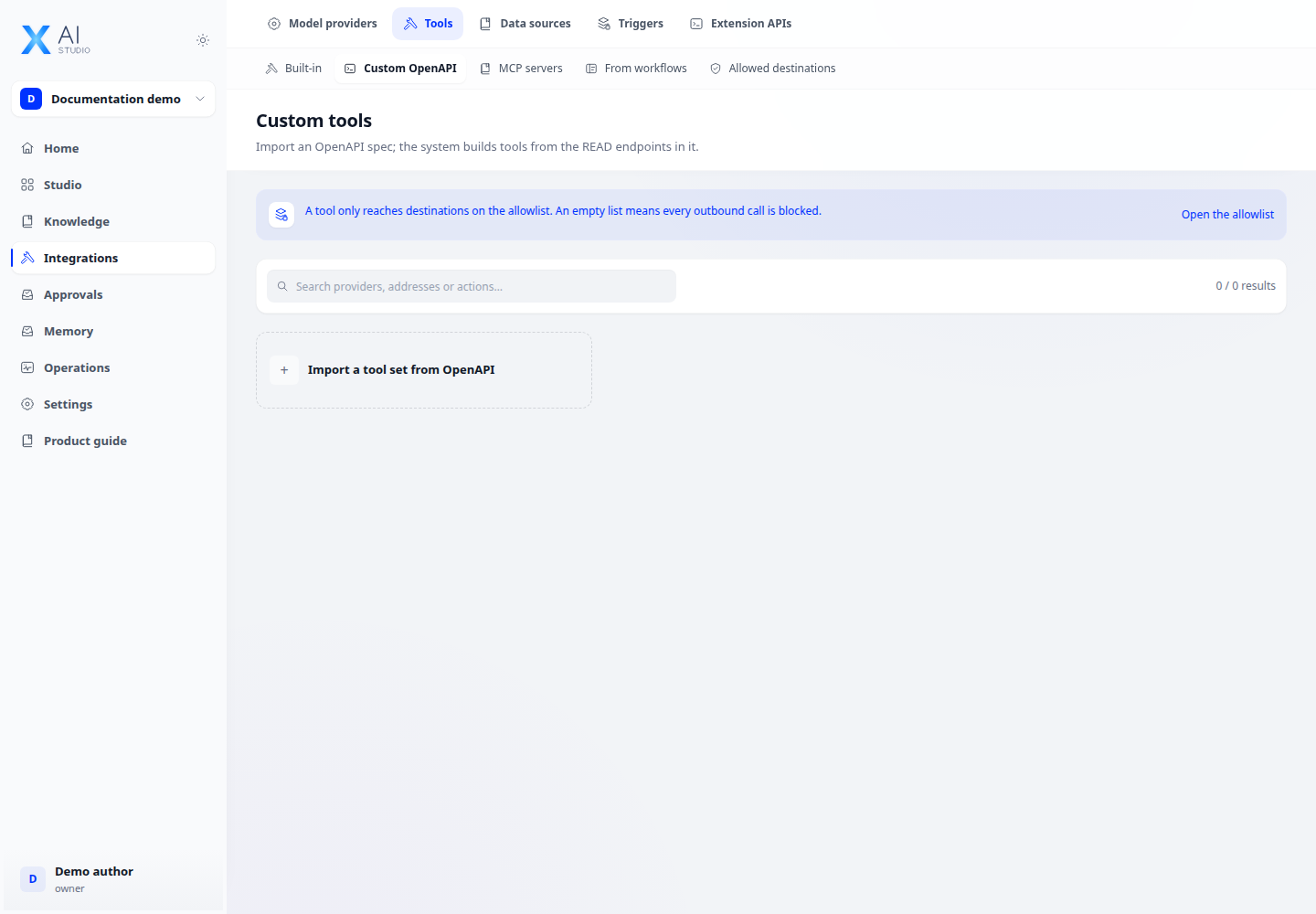
Step-by-step
- Open Integrations → Tools → API and inspect existing definitions.
- Add or edit a definition using the form; match its operation schema, inputs and authentication to the service documentation.
- Check the destination against egress policy. Attach the tool to an application and select the required operations.
- Run a sample task through the agent and inspect the tool call, parameters and result in logs.
Expected result
The agent calls the intended API and uses its returned data in the test task.
If it does not work
Authentication failure: check credentials. Missing tool: check workspace configuration and application tool selection.