
Reuse snippets and edit the canvas
Save reusable structures and use the canvas editing tools.
Where to work
Save reusable structures and use the canvas editing tools.
Step-by-step
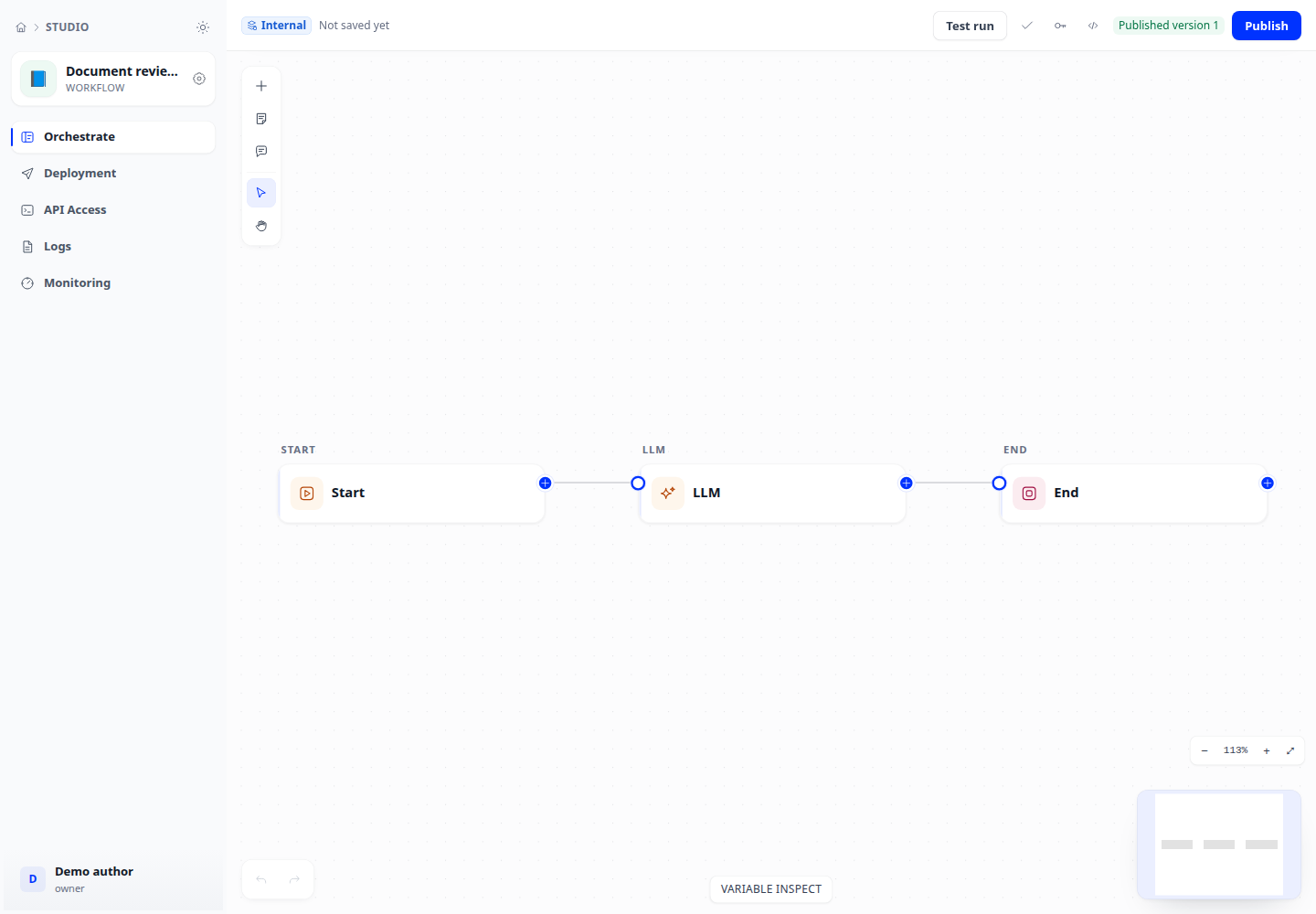
- Open Snippets and save the current workflow with a task-oriented name. This saves the current whole graph.
- Insert the snippet into the destination canvas. Inspect the new nodes and connect them to your flow.
- Use the context menu, copy/paste and undo/redo to edit the structure. Add notes to explain important decisions.
- Recheck variables and references after insertion, then test the added path.
Expected result
Inserted nodes have their own IDs and do not collide with existing canvas IDs.
If it does not work
A snippet does not configure destination connections or secrets. Reconnect disconnected ports and inspect inputs before running.