
Workflow node reference
Choose and configure the 28 node types available in the editor.
Choose a node for the task
The current editor exposes 28 node types. Add a node, configure its fields, connect its ports and test its inputs/outputs before publishing.
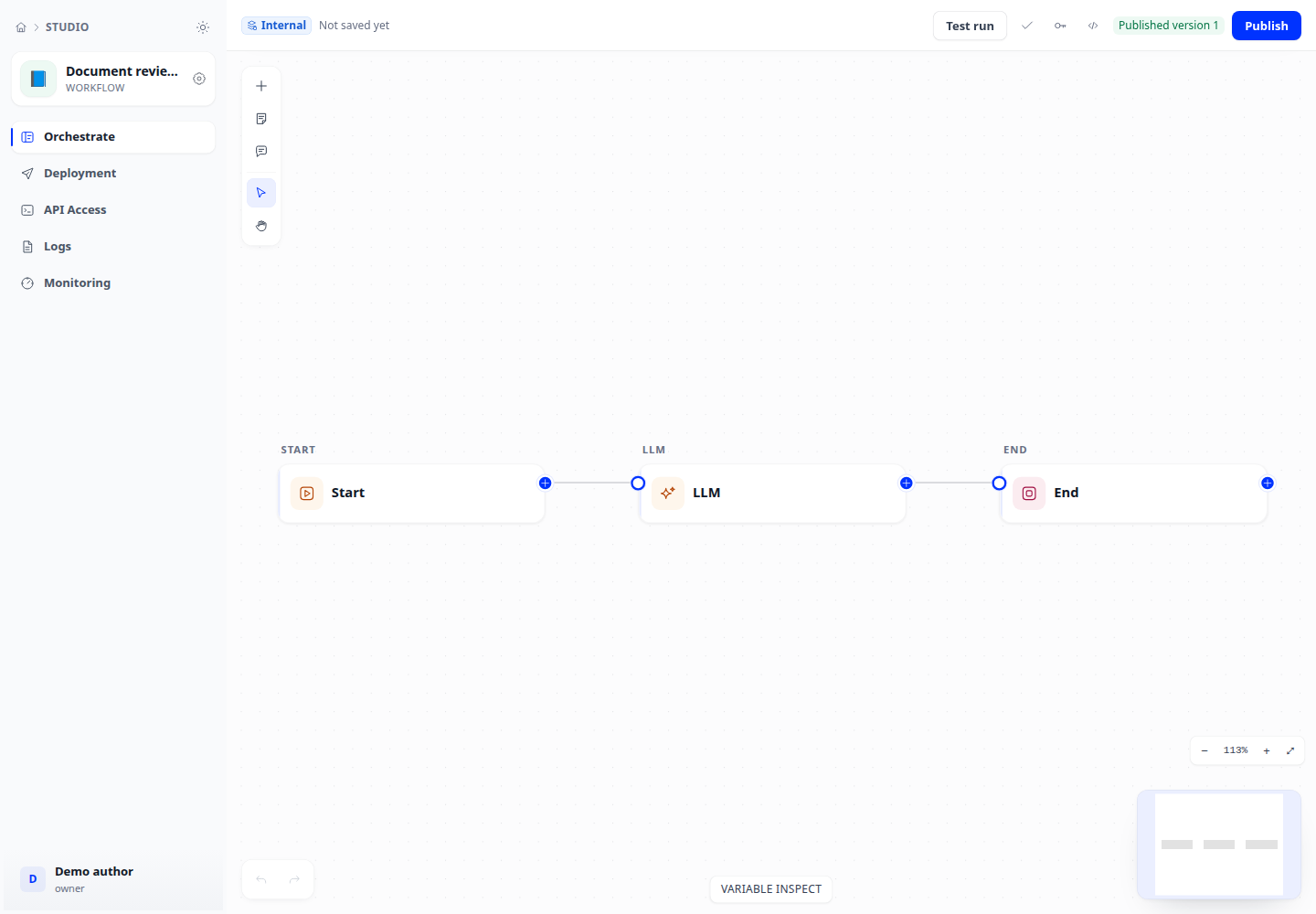
Start points, AI and data
Declare inputs at the start or trigger node. Select models/instructions for LLM and agent nodes, and a base/query for retrieval. Map the answer or output fields at the end.
- Start
- LLM
- Knowledge retrieval
- Answer
- End
- Agent
- Data source
- Webhook trigger
- Schedule trigger
Understand requests
Define clear classes and connect each classifier branch. For parameter extraction, define names, types and expected information; test missing-data cases.
- Question classifier
- Parameter extractor
Conditions and loops
Cover conditional branches and defaults. A decision table returns values; add If/Else to branch on them. For iteration/loops, define inputs and termination conditions.
- If / Else
- Decision table
- Iteration
- Loop
Transform data
Select the correct inputs, types and outputs. Test templates, variable aggregation/assignment, lists and document extraction on small data. Code nodes require an operations-configured sandbox.
- Template
- Variable aggregator
- Variable assigner
- List operator
- Document extractor
- Code
Integrations and outputs
Configure permitted HTTP destinations, tools or channels. For knowledge writes, select the destination base and inspect ingestion status. Check authentication, schemas and egress policy.
- HTTP request
- Tool
- Send via channel
- Write to knowledge
Waits and approvals
Configure resume time/events and required reviewer input. When a run stops here, inspect its waiting state and approval queue before treating it as a failure.
- Wait
- Wait for event
- Human input