
Manage your account
Keep sign-in details and personal preferences up to date.
Before you begin
This guide stays on xdev.asia. To perform the task, use an account in your organization’s AI Studio workspace with access to this feature. Screenshots show a demonstration workspace; names and data are examples.
Find the screen
Keep sign-in details and personal preferences up to date.
Step 1
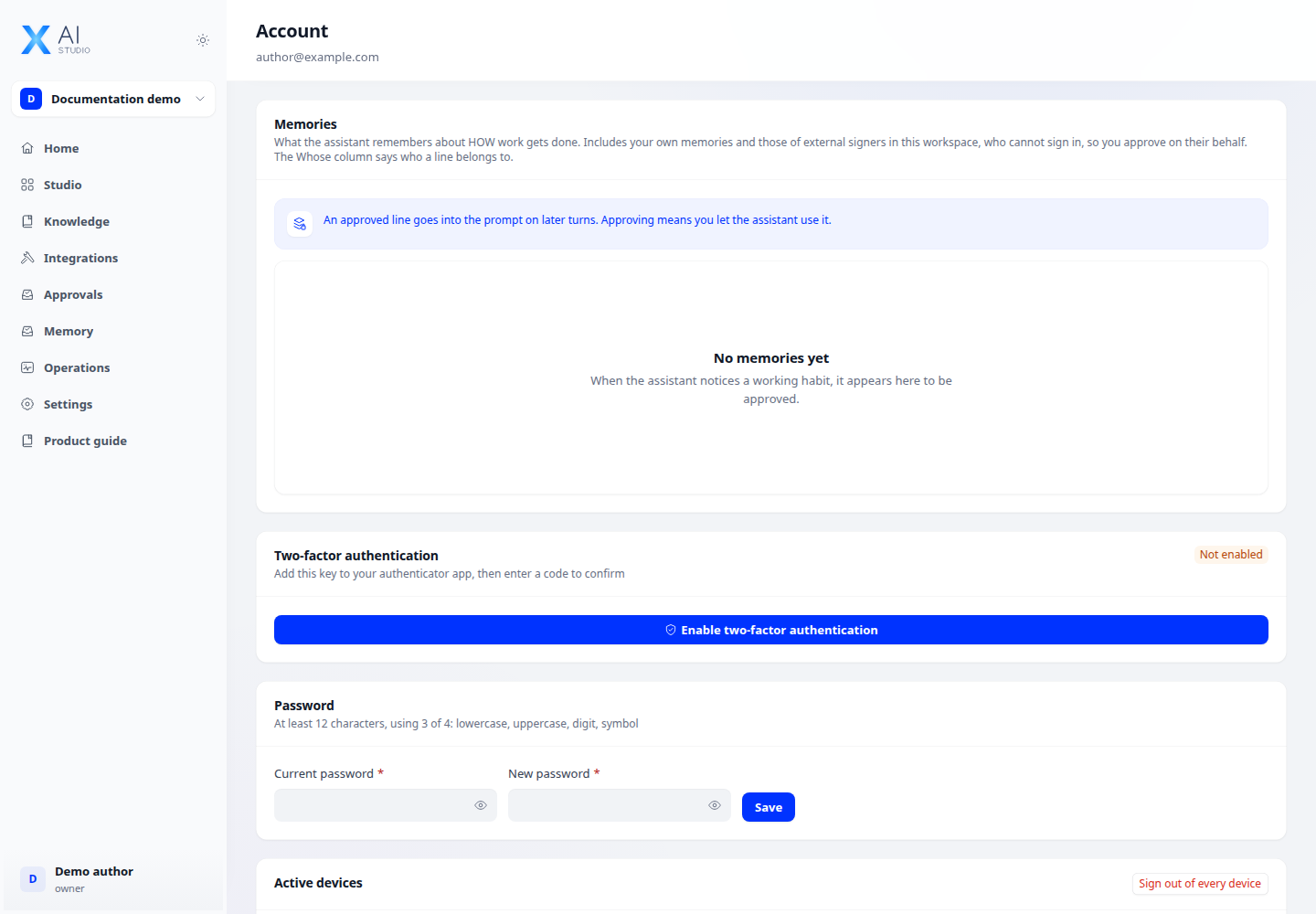
Open your account from the user menu to review your profile and account settings.
Step 2
Use the available password and multi-factor authentication controls. Complete the verification steps before relying on the new sign-in method.
Step 3
Review personal memory controls where available. Use the language and theme controls to choose the interface you prefer.
Check your result
Profile changes persist and the intended sign-in method is verified. Store recovery information securely; never include it in screenshots or shared documentation.